> ## Documentation Index
> Fetch the complete documentation index at: https://help.lobstr.io/llms.txt
> Use this file to discover all available pages before exploring further.
# lobstr.io help center
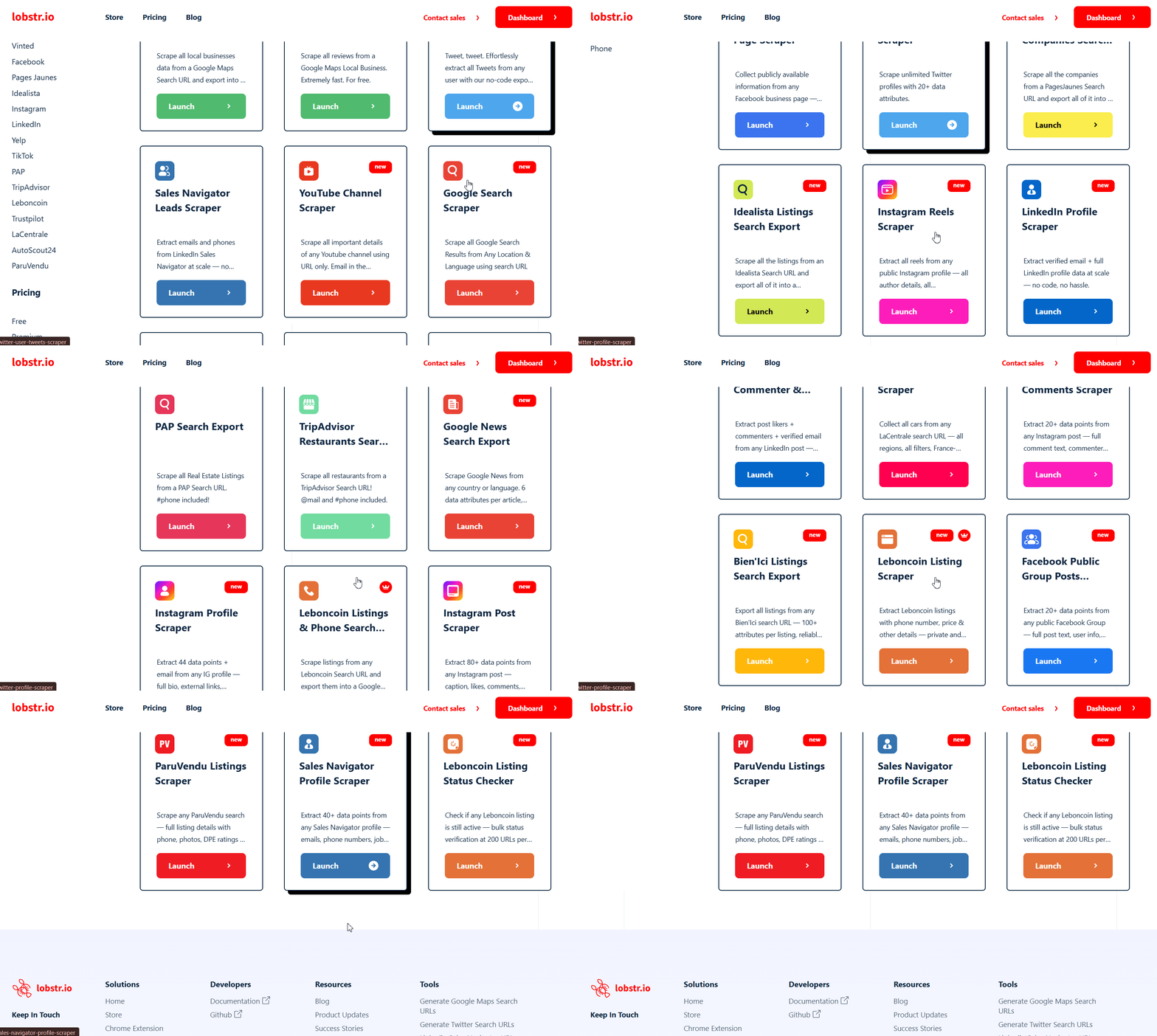
lobstr.io is a no-code + API SaaS platform that offers **40+ ready-made web scrapers** for different use cases across popular platforms like LinkedIn, Google Maps, Twitter/X, Facebook, YouTube, and more.
 ***
This Help Center covers the **No-Code App** available at [app.lobstr.io](https://app.lobstr.io). For API documentation, visit the API docs at [docs.lobstr.io](https://docs.lobstr.io).
***
New to lobstr.io? Create your account and set up your first scraper.
The core of lobstr.io — configure, run, and manage your scraping jobs.
Download results as CSV, export to Google Sheets, or bulk-upload tasks.
Manage your plan, payment methods, and credit allocation.
## Explore by topic
Connect LinkedIn, Twitter, Facebook, or Leboncoin accounts to scrape behind login walls.
Understand how scraping credits and concurrent slots work across your plan.
Discover verified emails and phone numbers from your scraped leads automatically.
Filter results by geo, category, or data quality so you only pay for relevant leads.
Stay within platform limits to keep your synced accounts safe while scraping at scale.
Use the lobstr.io REST API to trigger scraping jobs and fetch results programmatically.
## Need help?
Can't find what you're looking for? Our support team is here to help.
Start a live chat with our support team — we typically respond within minutes.
Send us an email at [contact@lobstr.io](mailto:contact@lobstr.io) and we'll get back to you shortly.
***
This Help Center covers the **No-Code App** available at [app.lobstr.io](https://app.lobstr.io). For API documentation, visit the API docs at [docs.lobstr.io](https://docs.lobstr.io).
***
New to lobstr.io? Create your account and set up your first scraper.
The core of lobstr.io — configure, run, and manage your scraping jobs.
Download results as CSV, export to Google Sheets, or bulk-upload tasks.
Manage your plan, payment methods, and credit allocation.
## Explore by topic
Connect LinkedIn, Twitter, Facebook, or Leboncoin accounts to scrape behind login walls.
Understand how scraping credits and concurrent slots work across your plan.
Discover verified emails and phone numbers from your scraped leads automatically.
Filter results by geo, category, or data quality so you only pay for relevant leads.
Stay within platform limits to keep your synced accounts safe while scraping at scale.
Use the lobstr.io REST API to trigger scraping jobs and fetch results programmatically.
## Need help?
Can't find what you're looking for? Our support team is here to help.
Start a live chat with our support team — we typically respond within minutes.
Send us an email at [contact@lobstr.io](mailto:contact@lobstr.io) and we'll get back to you shortly.