One of the most common questions: “Why didn’t I find any emails after using the YouTube Channel Scraper?”
The YouTube Channel Scraper (formerly called YouTube Channel Email Scraper) collects the email a creator has published in their channel description or on their website. When a channel has neither, there’s nothing to collect. Here’s how it works and why some rows come back empty.
How the scraper finds emails
For each channel URL in your Squid, lobstr.io looks for a public email address in two places:
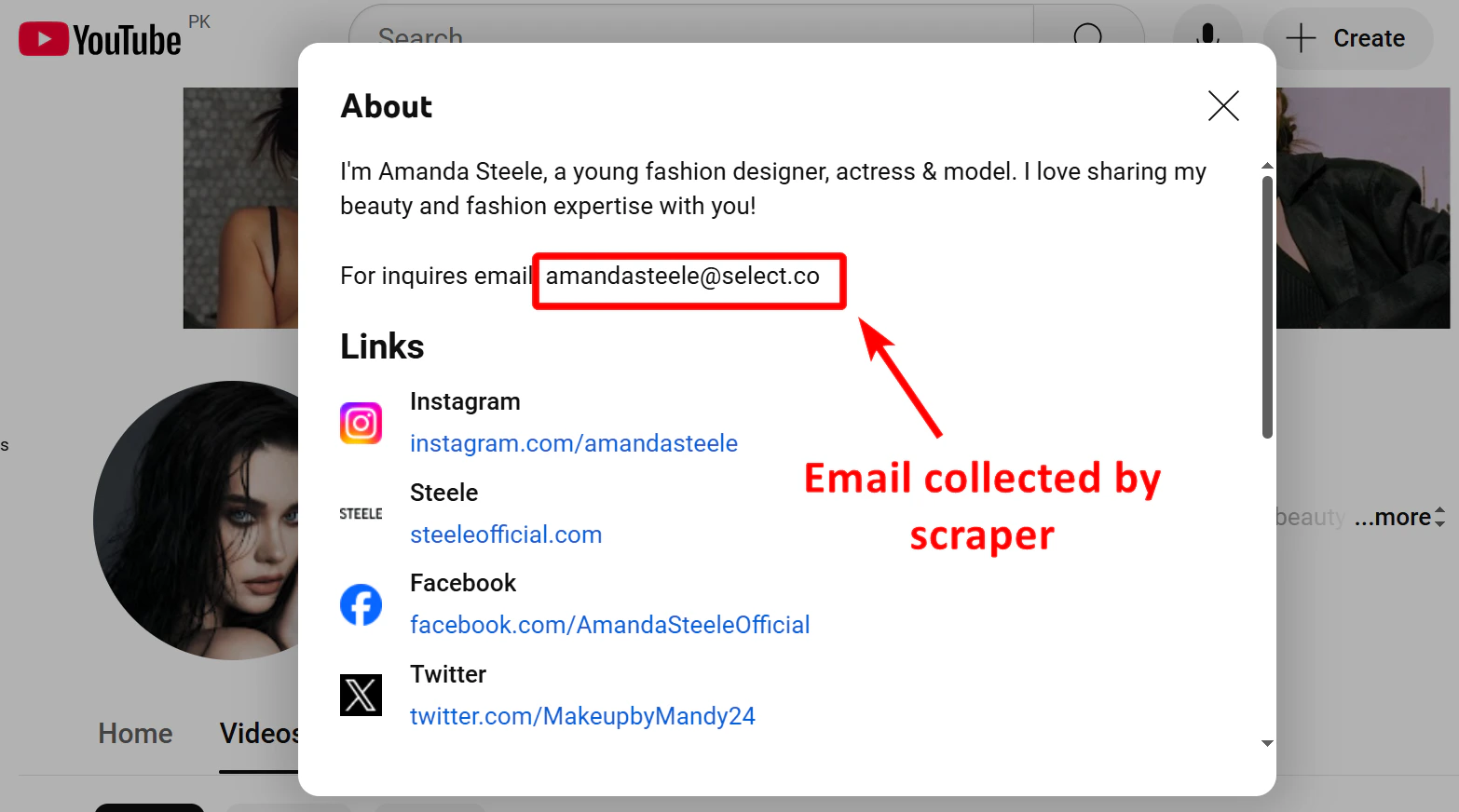
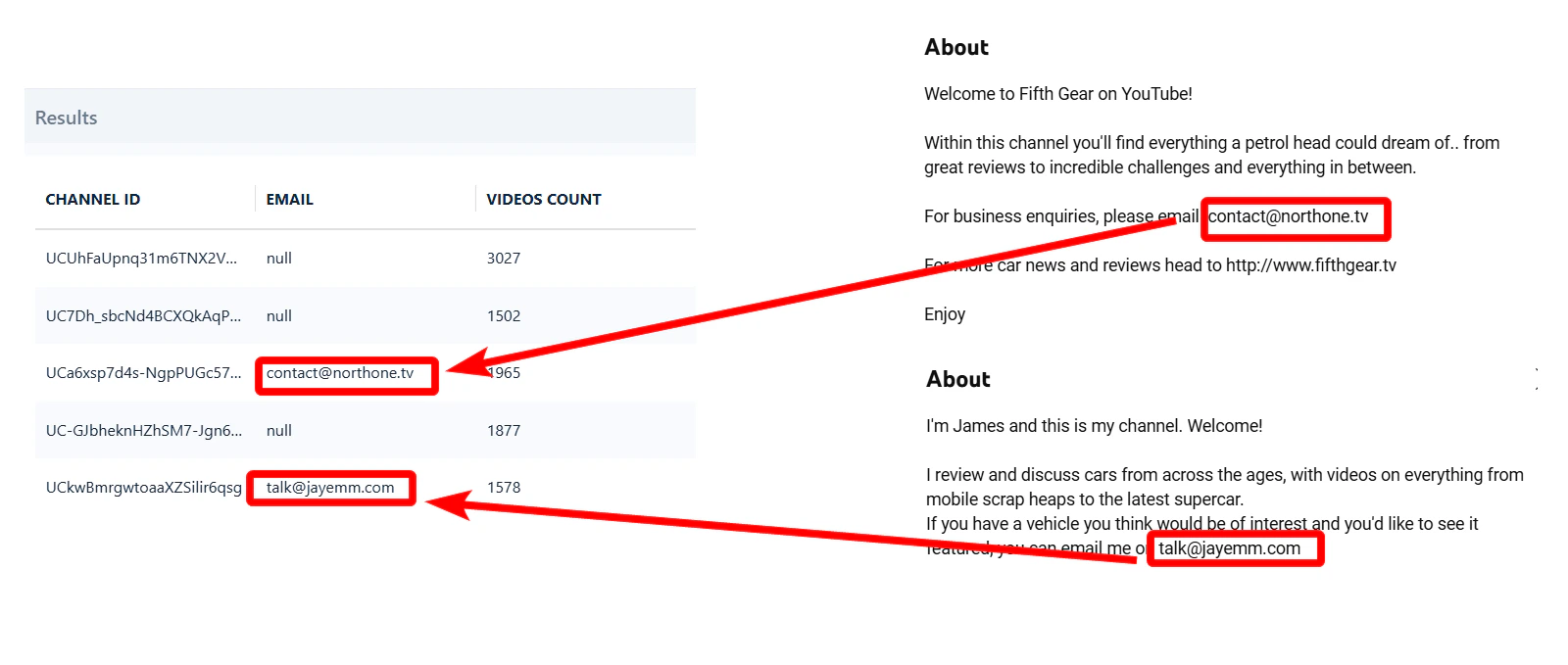
- The channel description — the text on the channel’s About page.
- The website linked on the channel — if the creator links their own site, lobstr.io checks it for an email too.
✅ When an email is found, it’s added to the email column of your results.
The results don’t say where an email came from. The email column holds the address whether it was found in the description or on the linked website. The channel’s other links are listed in the other_links column.
Why you didn’t find an email
If a row has no email, the creator didn’t publish one in either place: there’s no email in the channel description, and either no website is linked or no email was found on it.
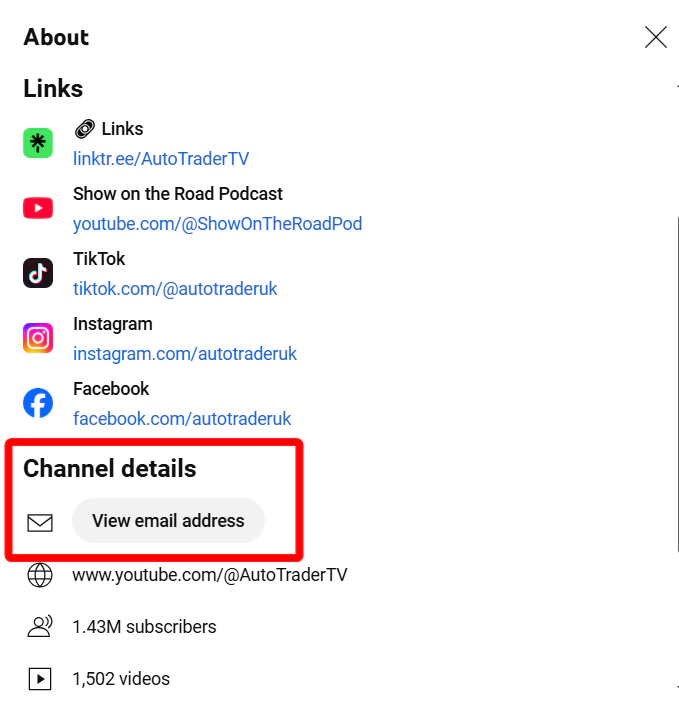
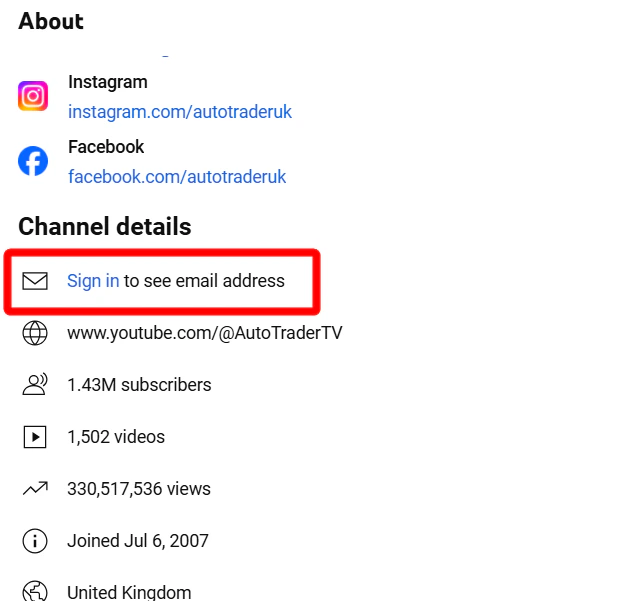
Many channels keep their email behind the View email address button in the Channel details section instead.
🚫 The problem: that email is locked behind a login wall — you must be signed in to see it.
Could we use account sync, like we do for Facebook, X and Sales Navigator, to collect these hidden emails? We tried — but there’s a problem.
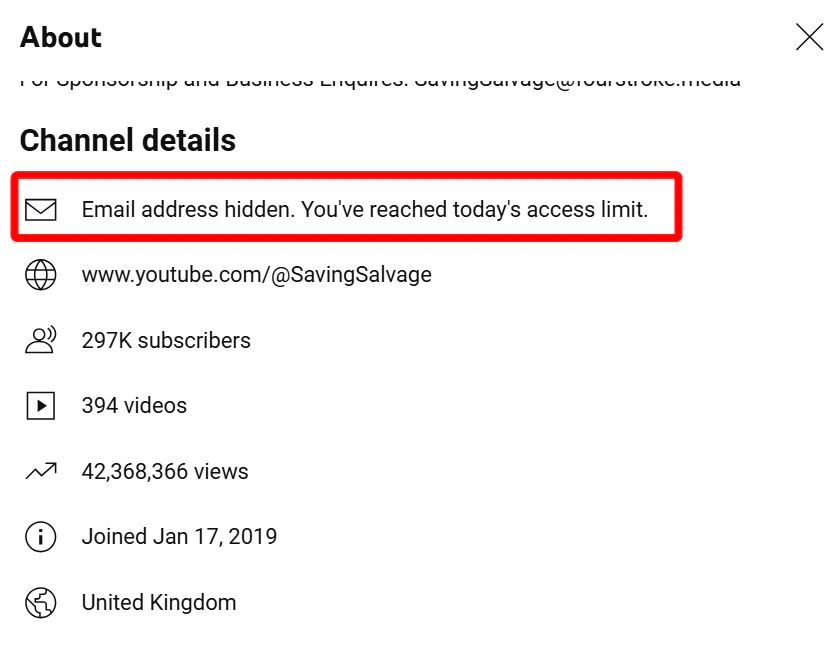
Even when you log in, YouTube only lets you view 10 emails per day per Google account.
To collect 1,000 emails in a single day, you’d need 100 Google accounts. That limit makes large-scale email collection impossible — which is why the scraper doesn’t try to pull emails from the View email address button.
Run the scraper on a large list of channels to maximize your total email yield. Hit rates vary by niche and channel type — business-focused and large creator channels typically list contact emails more often than personal or entertainment channels.