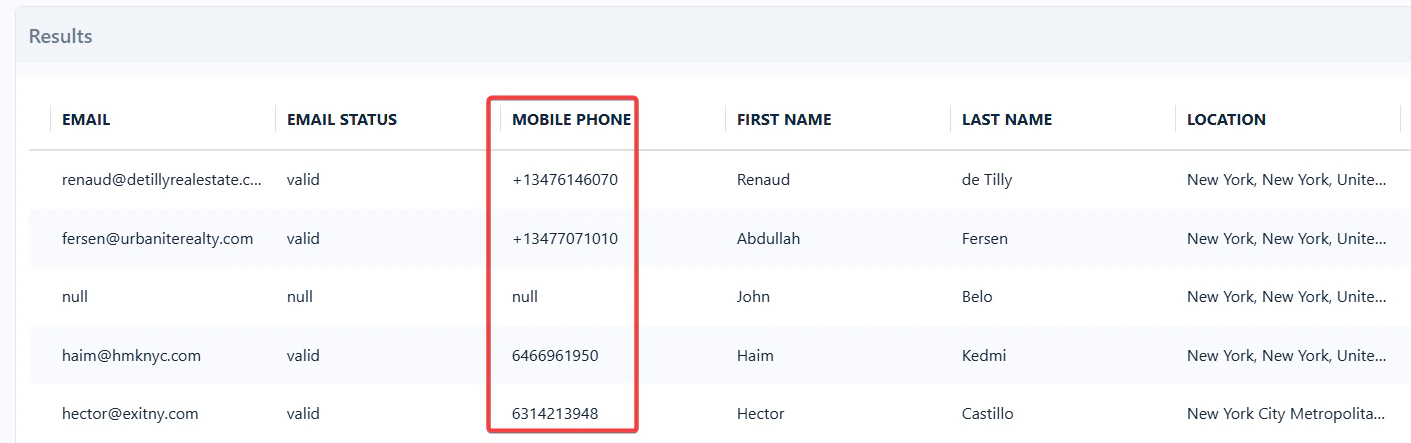
- Direct dials.
- Mobile business numbers.
Personal phone numbers are not included. This keeps you compliant with GDPR, CCPA, and other privacy regulations — contacting someone on a private line requires their explicit consent.
How does lobstr.io find these phone numbers?
lobstr.io works with a trusted third-party vendor — ContactOut — which maintains a 100M+ phone number database updated hourly. Numbers are collected from public, compliant sources: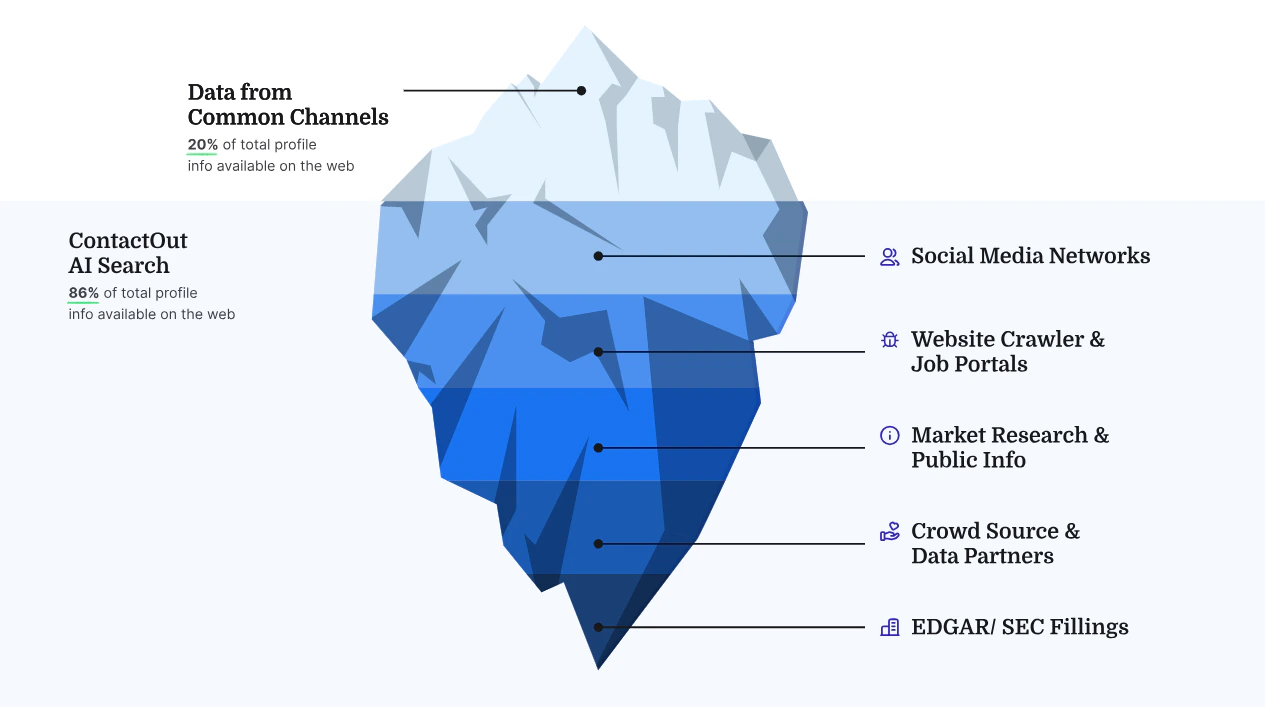
- Social networks
- Website crawls
- Market research and public info
- Crowd source and data partners
- EDGAR SEC filings
- Other public business records and datasets
How accurate is the phone data?
Enriched phone numbers have 99% confidence. The database updates hourly and each contact passes multiple validation checks before being returned. Success rate depends on region and industry:Coverage by region
Coverage by industry
So if you’re enriching sales leads in North America, expect over 75% success. But for Health-sector leads in African countries, success drops to around 20%.
How much does phone enrichment cost?
1 valid phone number costs 300 credits. So 1 Sales Navigator lead + a phone number = 301 credits.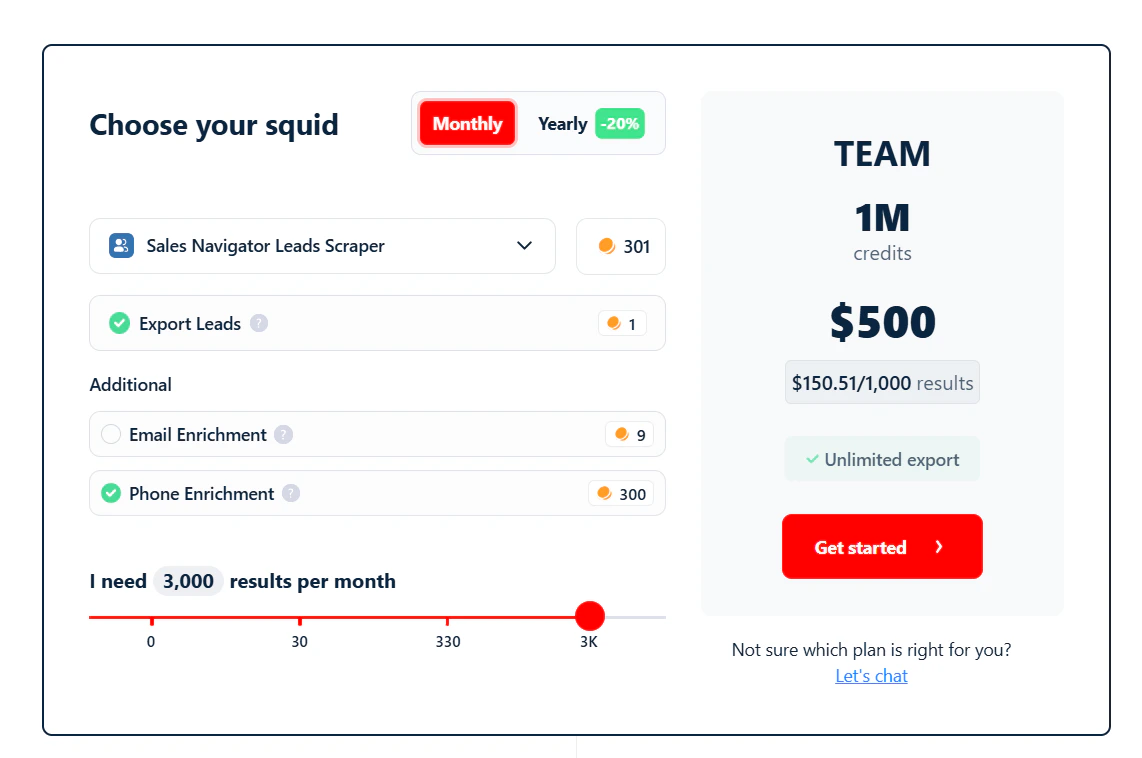
- ~33 phone numbers for $20 (Starter)
- ~332 phone numbers for $100 (Pro)
- ~3,322 phone numbers for $500 (Team)
- ~6,644 phone numbers for $1,000 (Business)
No phone = 0 credits. You’re charged only when a valid phone number is found.
How to enable phone number enrichment
Toggle the Mobile Enrichment option in your Sales Navigator Leads Scraper Squid settings.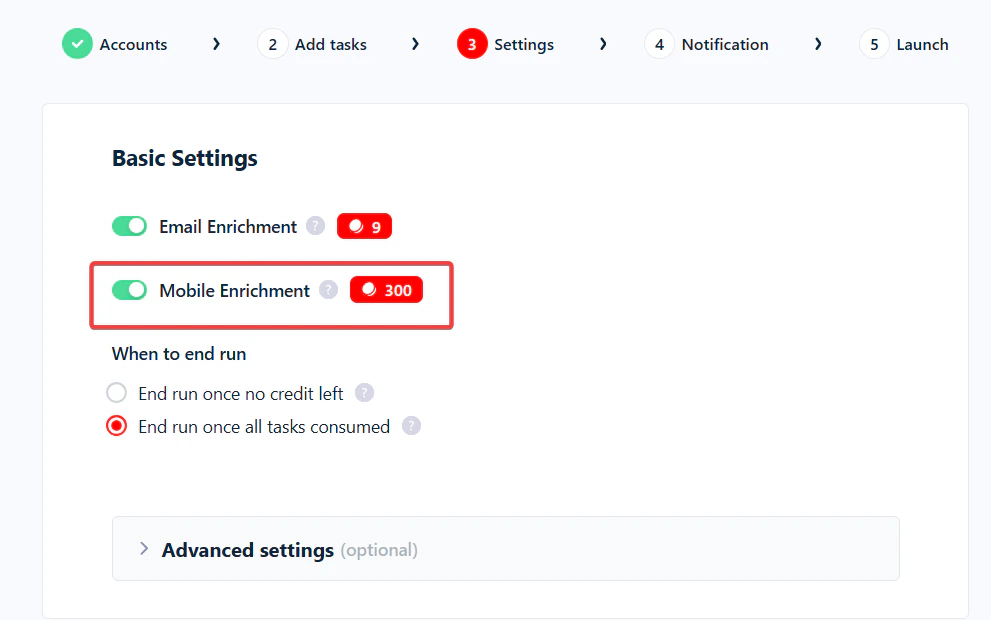
"mobile_phone": true as a function parameter:
In which columns do phone numbers appear?
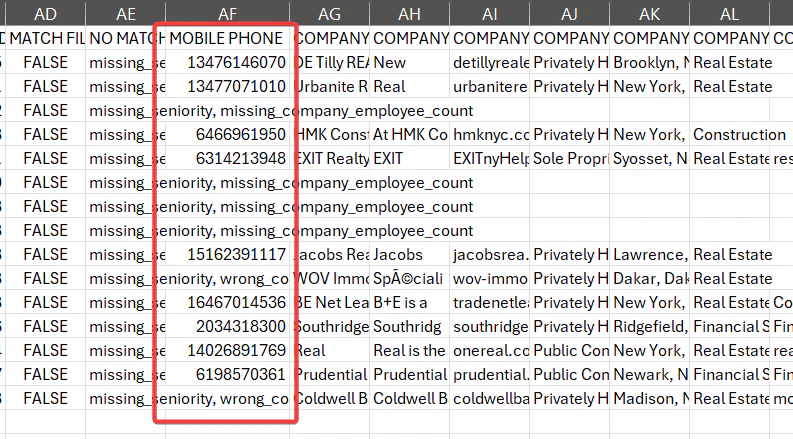
Phone numbers appear in theMOBILE PHONE column of your CSV output.
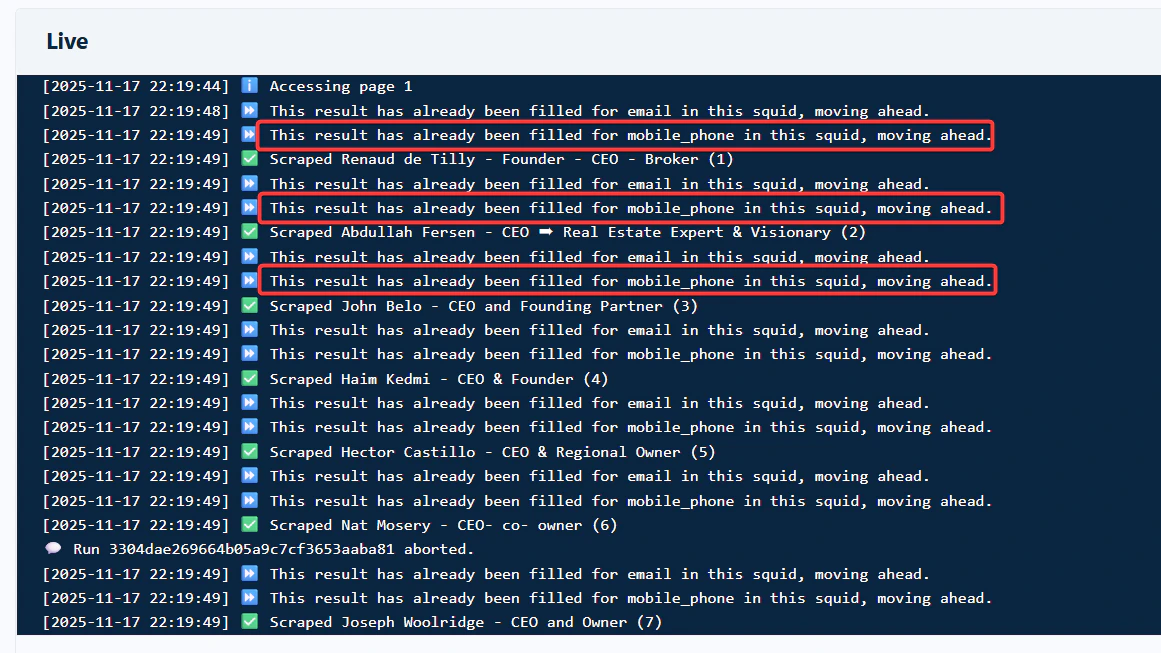
Will already enriched contacts be enriched again?
No. If a contact has already been enriched with a phone number inside a specific Squid, lobstr.io won’t enrich it again in that same Squid.