A lot of users worry about this. You want to scrape Google, LinkedIn, Twitter, or some other platform using lobstr.io, but you’re concerned your personal IP might get flagged or permanently banned.
The good news: no. Your personal IP address is never involved. lobstr.io is fully cloud-based — all scrapers run from lobstr.io’s servers using its proxy system. Your network is never exposed to the websites being scraped.
How lobstr.io protects your IP from getting banned
Two mechanisms do the work:
- Cloud Infrastructure
- Rotating Proxies
Cloud infrastructure
All scrapers run from lobstr.io’s cloud systems. When you start a scraping task, it does not run on your computer. Your IP address is never used to send requests to Google, Facebook, or anyone else.
The flow looks like this:
The only traffic that ever leaves your device is the command to start the scrape (steps 1 and 6). The actual requests to Google, LinkedIn, or any target site come from lobstr.io’s proxy pool — not from your IP. Your personal IP stays untouched.
You can launch a scraper, close the window, or even turn off your computer and come back later to view the collected data.
Rotating proxies
lobstr.io has a pool of rotating proxies that spreads requests across multiple IPs — like having a bunch of different “virtual” connections. This helps avoid bans and rate limits, distributing traffic in a way that looks natural and safe to the target platform.
Each request goes out through a different proxy IP from the pool. From the target site’s perspective, the traffic looks like it’s coming from many unrelated visitors — not one bot hammering the same IP.
Will my account get banned if I sync it and use it with lobstr.io?
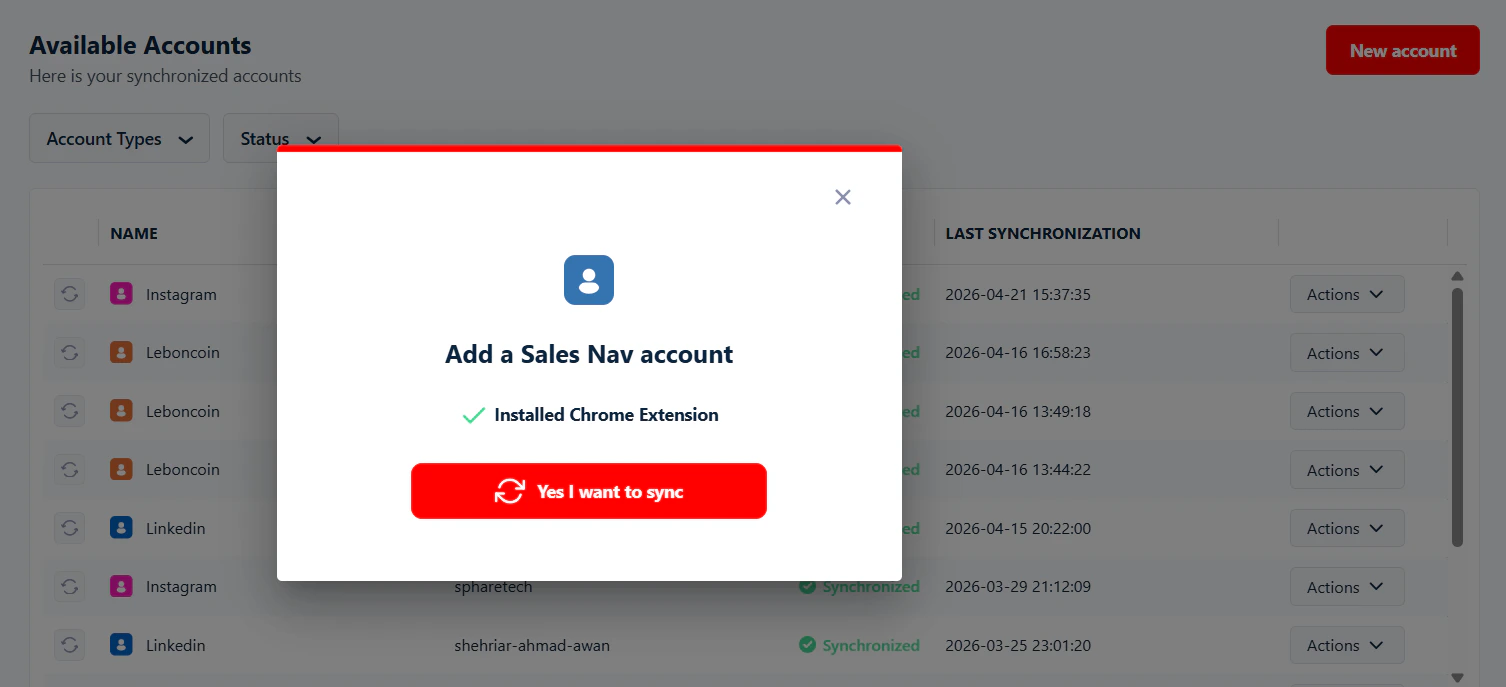
Some scrapers need a logged-in account to access certain data — Twitter, Facebook Pages, Sales Navigator, Leboncoin.
Why do we need your account? To interact with the platform as you and collect data. lobstr.io doesn’t use fake accounts — that goes against most platforms’ terms of service and is considered fraud.
Will your account get banned? Not if you respect the rate limits. lobstr.io has built-in limits for each account to keep you safe from bans or restrictions.
Learn more: What are the limits to avoid account bans?
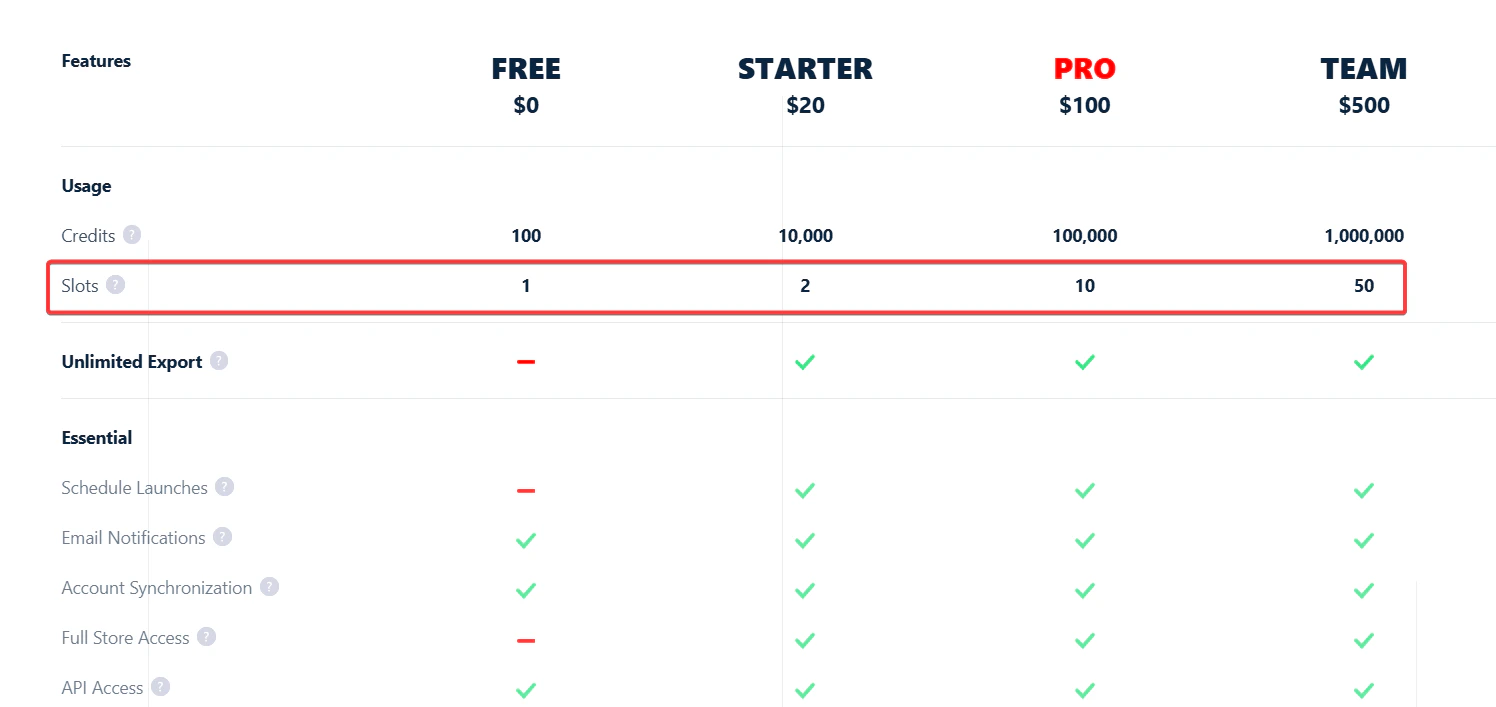
No. There’s no extra charge for the proxy system or any of these protective features. lobstr.io’s pricing is completely transparent — you pay exactly what you see on the pricing page.
No add-ons, no extra charges. Everything is included in your subscription plan.