
The block sits on every scraper’s store page (look for the
#status anchor, e.g. lobstr.io/store/google-maps-leads-scraper#status). The How we measure → link under it brings you here.What the block shows
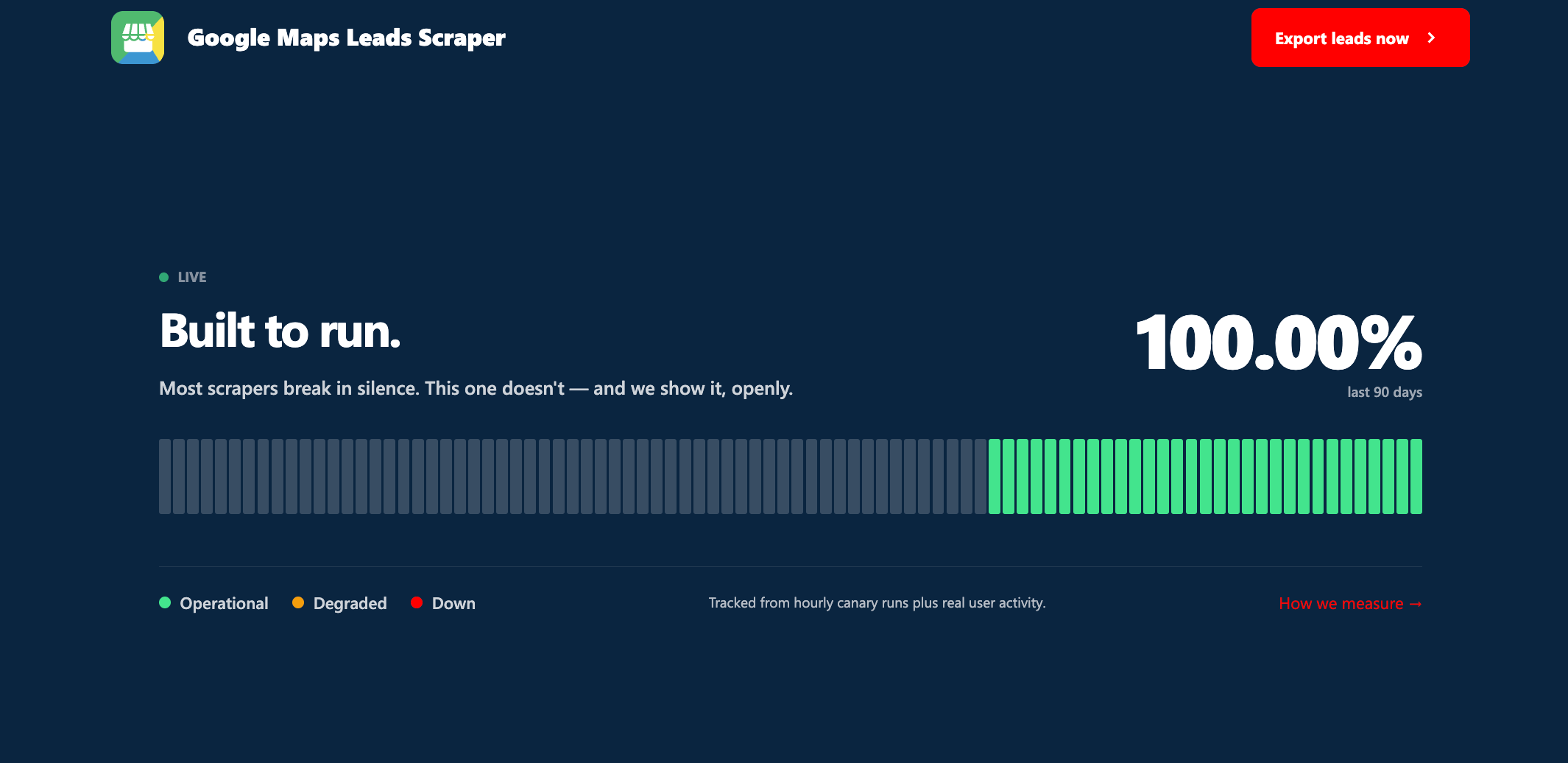
When a scraper is healthy, the block reads Built to run. with a pulsing Live dot. The headline number is the one to trust — it’s computed from every real run, not a marketing figure.
Where the data comes from
Two sources feed the score, pooled together for each day:- Hourly canary runs. lobstr.io runs every public scraper on a fixed hourly schedule against the live source, around the clock — roughly 24 checks a day. This is the heartbeat that proves the scraper still works even when no customer is using it that hour.
- Real user activity. Every finished run of that scraper by real customers also counts toward the day’s numbers.
When a run counts as successful
A run counts as successful unless the scraper itself errored. That’s the only thing held against a scraper’s uptime. Crucially, these do not count as failures, because they aren’t the tool breaking:- a run you aborted on purpose,
- a run that paused because a synced account needed re-syncing, hit a platform limit, or ran out of credits,
- a run stopped for a plan or billing reason.
Error) lowers the score. For the full list of reasons a run can stop — and which are errors versus normal stops — see Run stop reasons.
What each color means
Each day’s bar is colored by the share of that day’s runs that succeeded:
Hover any bar to see the exact figure for that day —
X% runs successful and the date.
The 90-day score
The big percentage is simply:A scraper that was added recently may show fewer than 90 days of history at first. The window fills in over time as daily reliability is recorded.
When a scraper is paused
If a scraper hits a technical issue we can’t fix on the spot, we take it offline rather than let it return broken or partial data. The block then changes:- the title becomes Temporarily paused.
- the percentage becomes a grayed-out —
- the bars are ghosted, and the legend shows a single Paused state
We pause scrapers that don’t meet our reliability bar on purpose. We don’t ship broken tools.
Still have questions?
If a scraper’s status looks wrong, or you want detail on a specific run, ping us on Crisp chat or emailcontact@lobstr.io.