- Sales Navigator
- Leboncoin
- X (formerly Twitter)
How many leads can you scrape per day from Sales Navigator?
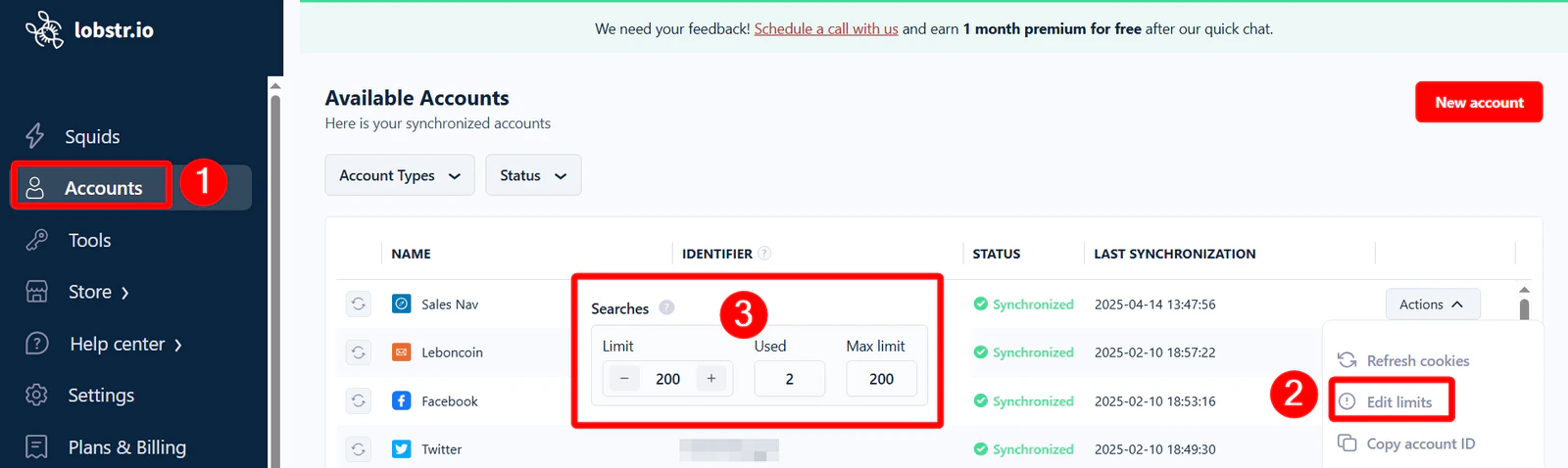
Sales Navigator shows 100 pages of 25 profiles. Each page counts as 1 search. Because a single search tops out at 100 pages of 25, it returns at most 2,500 results — no matter how many leads actually match. To collect leads beyond that per-search ceiling, see Split search. lobstr.io lets each synced Sales Navigator account run up to 1,000 searches per day (see LinkedIn limits). At 25 profiles per page, that’s up to 25,000 leads per day from a single Sales Navigator account, and you can safely use 100% of this capacity without worrying about bans. Two options have their own daily limits per account:- Get Beautiful Profile URL: up to 3,000 profiles per day.
- Get Profile Details (a full visit to each profile): up to 1,000 profiles per day.
What are the limits of a Leboncoin account?
lobstr.io offers 2 types of Leboncoin automations:- Scraping listings data
- Automated messages
Listings
There are no hard limits on scraping listings data. You don’t even need to sync your Leboncoin account to use Leboncoin Listings Search Export. But lobstr.io adds calculated pauses in the Listings and Phone Search Export to mimic human browsing: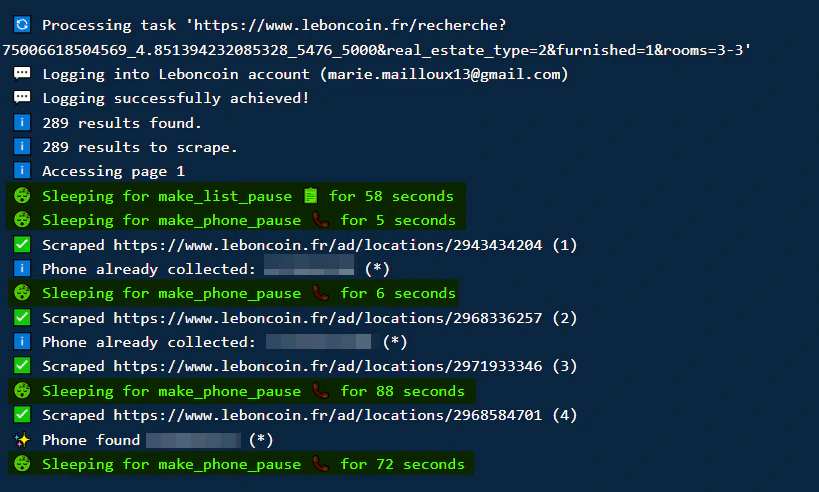
- ~1 minute per 35 listings
- ~1 minute per phone number
Messaging
There is a hard limit on sending messages.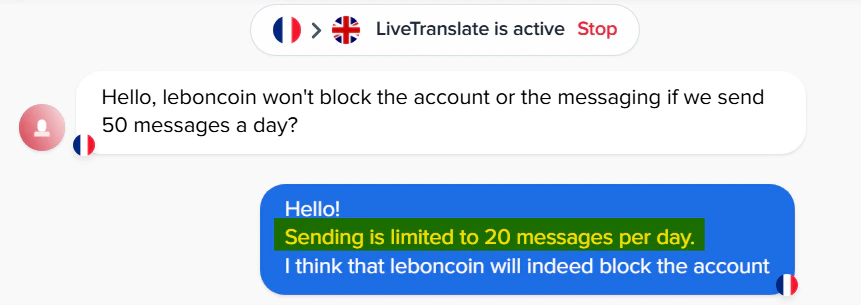
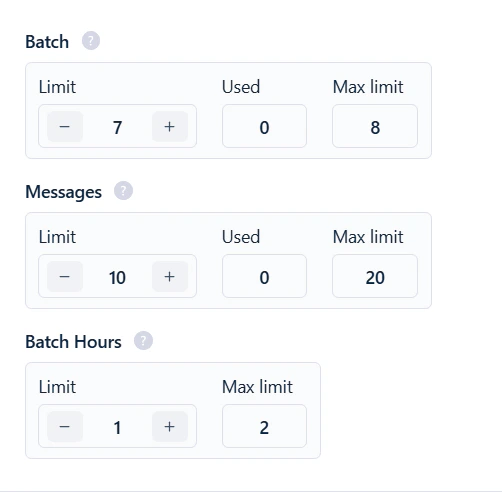
- Batch limit — up to 8 messages per batch, with a 2-hour cooldown between batches.
- Daily limit — up to 30 messages in any rolling 24-hour window. Each message you send occupies one of the 30 slots for exactly 24 hours, then that slot frees up on its own. There’s no fixed daily reset: once all 30 slots are in use, sending pauses, and it resumes gradually as your earliest messages pass the 24-hour mark and release their slots.
Both limits are per account, not per run. The 30-message window is shared across every run, Squid, or session that uses the same synced account — every send counts toward the same per-account total.
Example timeline
To check how many messages an account has sent in the last 24 hours:
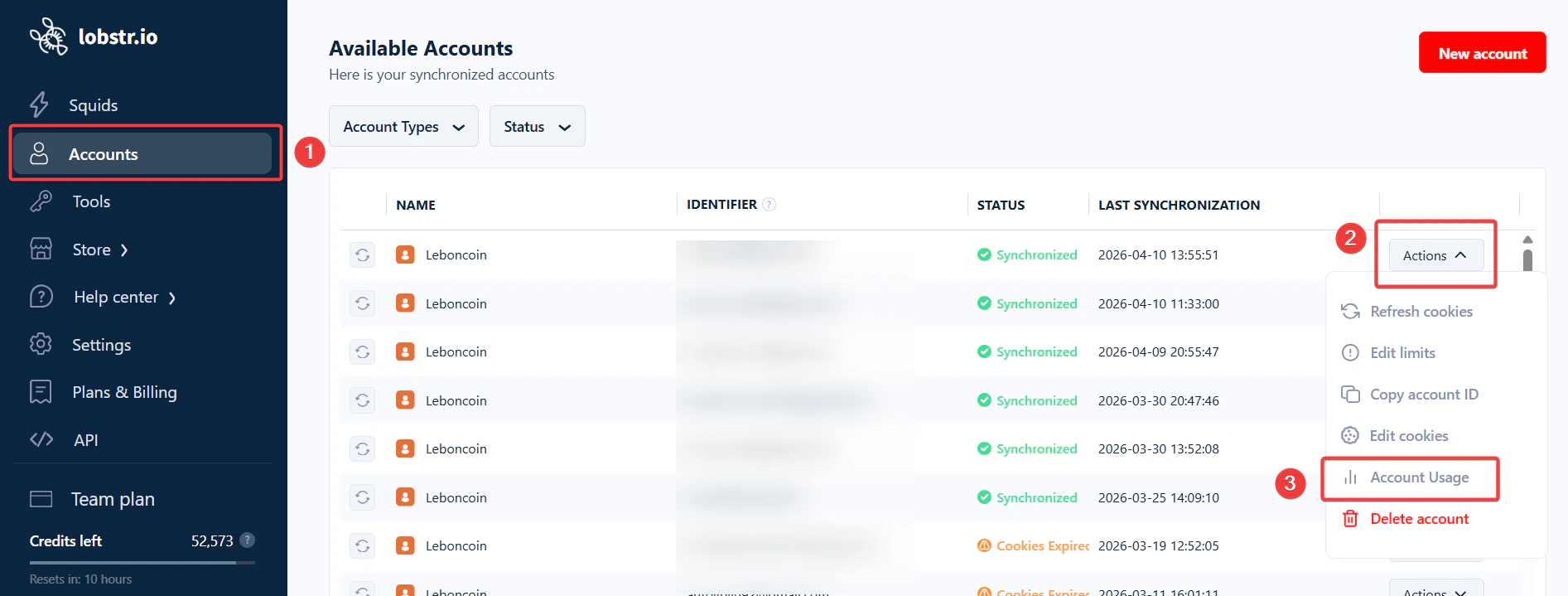
- Go to Accounts in the left sidebar.
- Click Actions next to the account.
- Select Account usage.
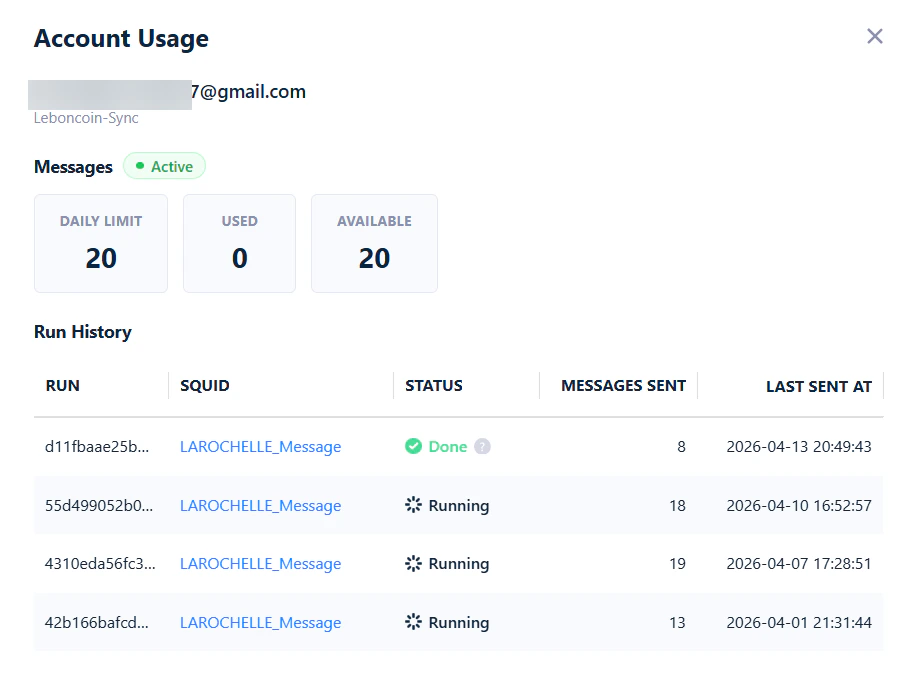
- Messages — the account’s daily limit, messages sent in the last 24 hours, and messages still available.
- Run History — every recent run that used this account, with how many messages each one sent and when. This is where you can see the per-account (not per-run) behavior at work: every send from any run counts toward the same rolling 24-hour total.
What are X (Twitter) data scraping limits?
There’s no hard limit on scraping X posts or profiles. You won’t see an Edit limits option when you sync your X account.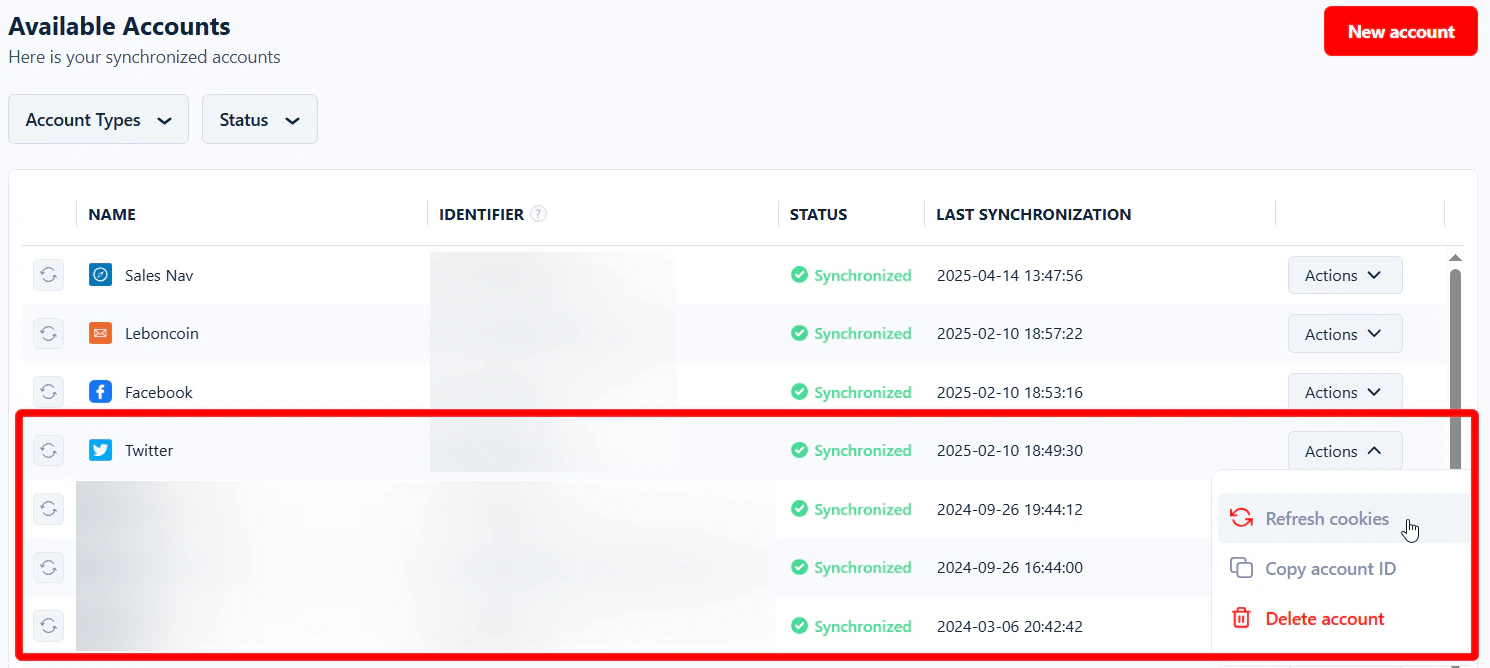
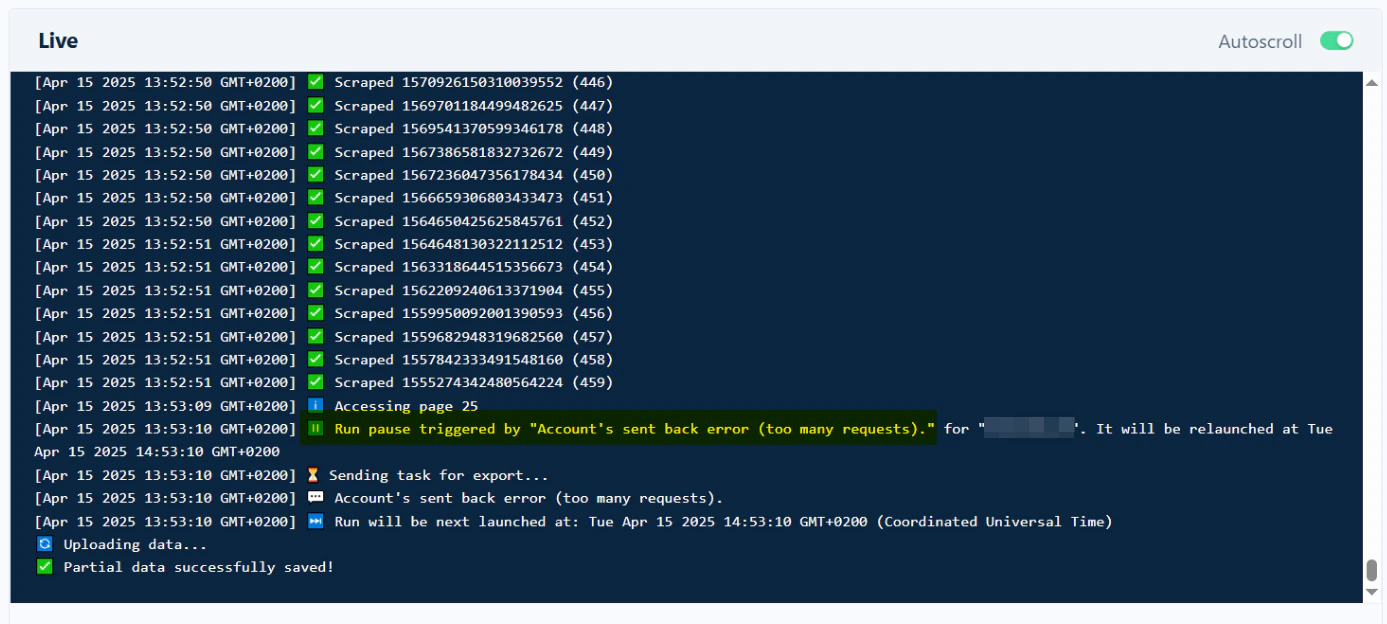
You don’t need to sync an account to use Twitter Profiles Scraper — this limit doesn’t apply when scraping profiles.
What are the limits on scraping Facebook pages?
Similar to X, there’s no hard limit on Facebook Pages Search Export. To keep your Facebook account safe, lobstr.io adds small pauses during scraping — e.g. a few seconds between each page collected from search results. This avoids triggering Facebook’s security systems.How many accounts can you sync with lobstr.io?
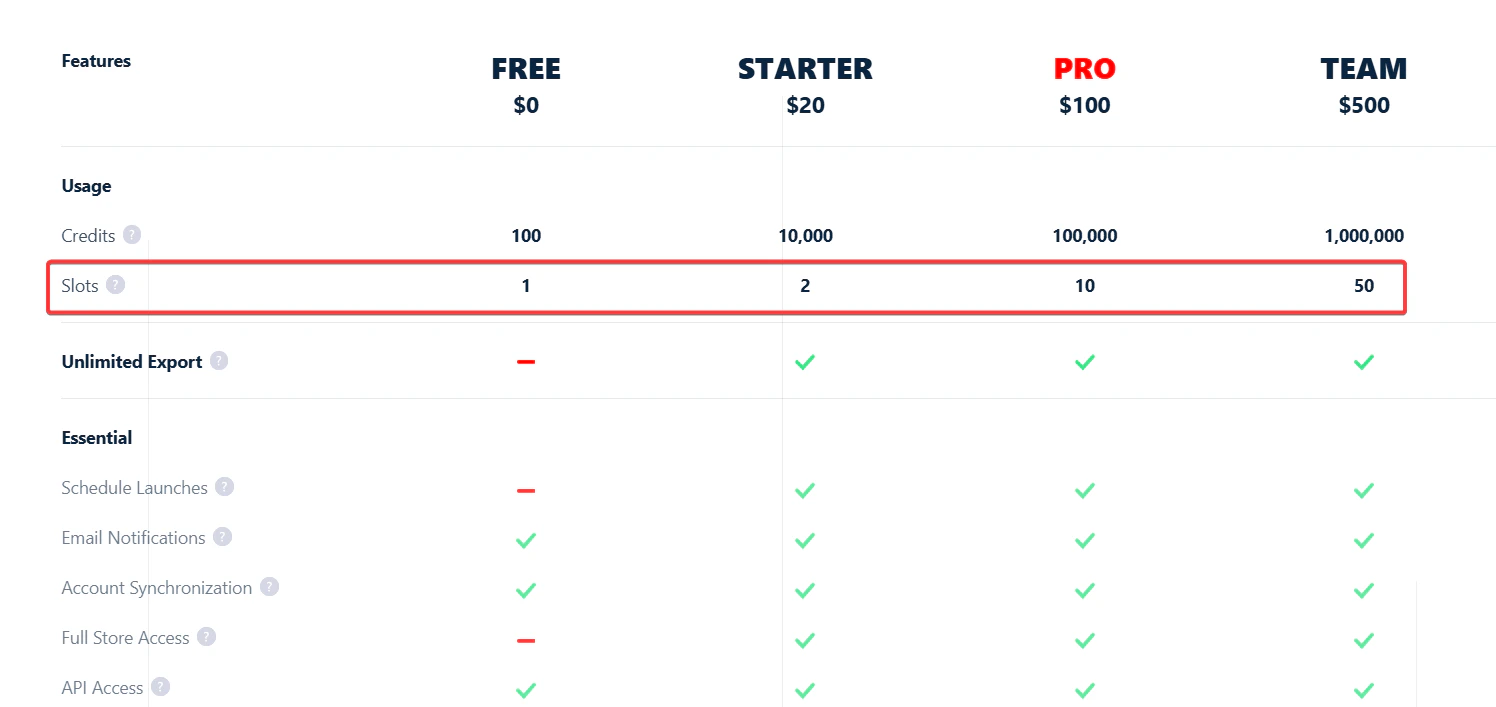
Very common question.