
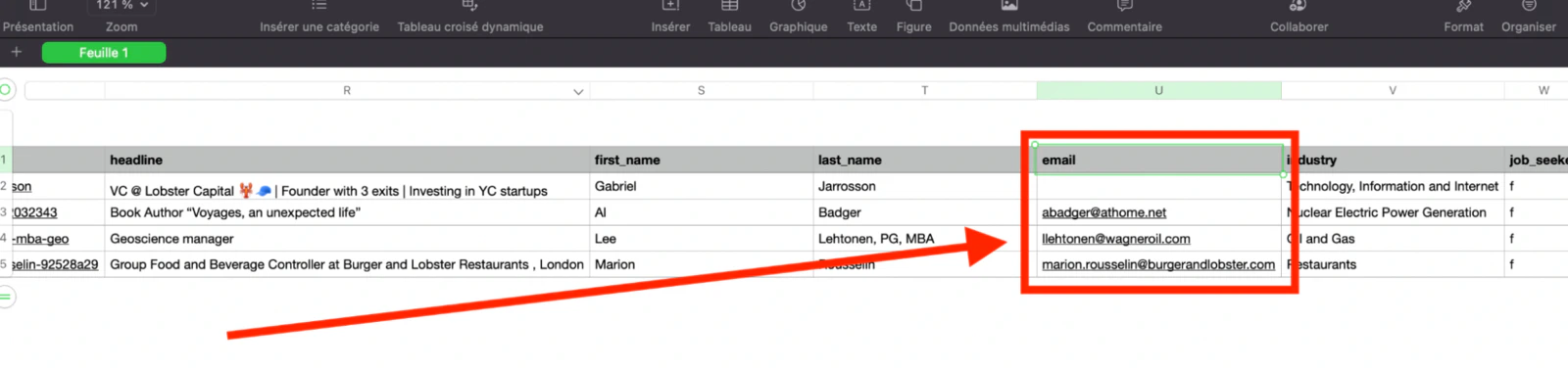
email column:
How much does it cost?
Email enrichment uses the credits from your lobstr.io subscription — there’s no separate email-credit pack.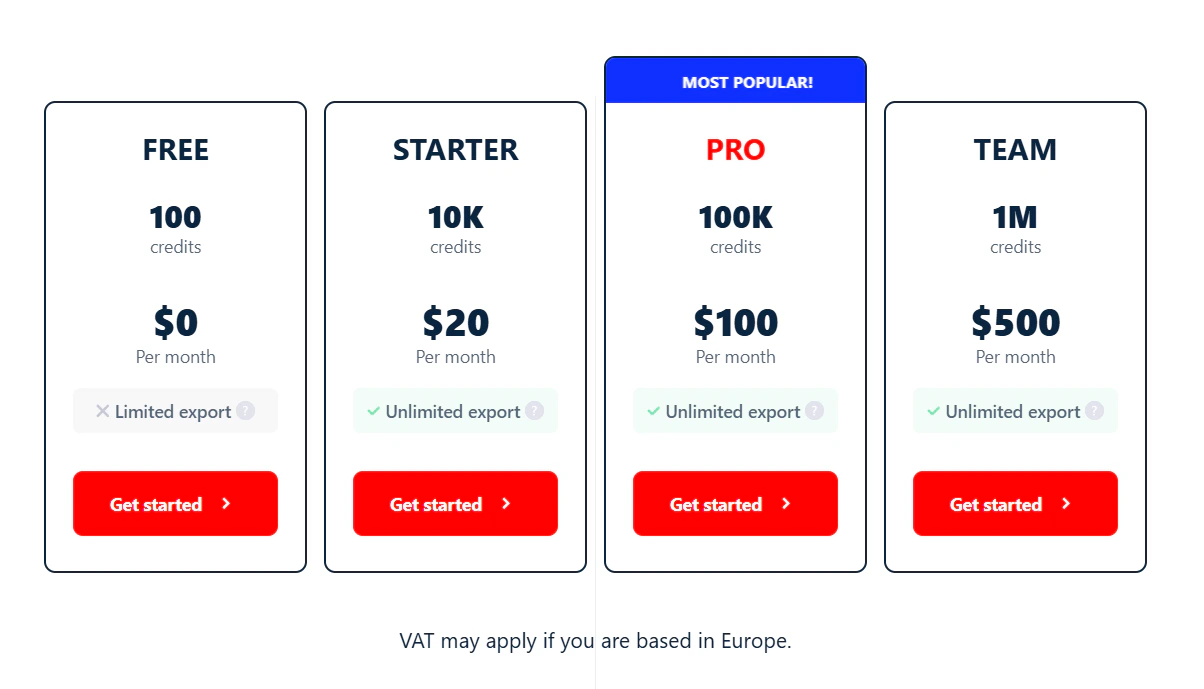
- 1 credit to scrape the Sales Navigator profile (so lobstr.io has the name and company for enrichment).
- 9 credits to find and validate the email.
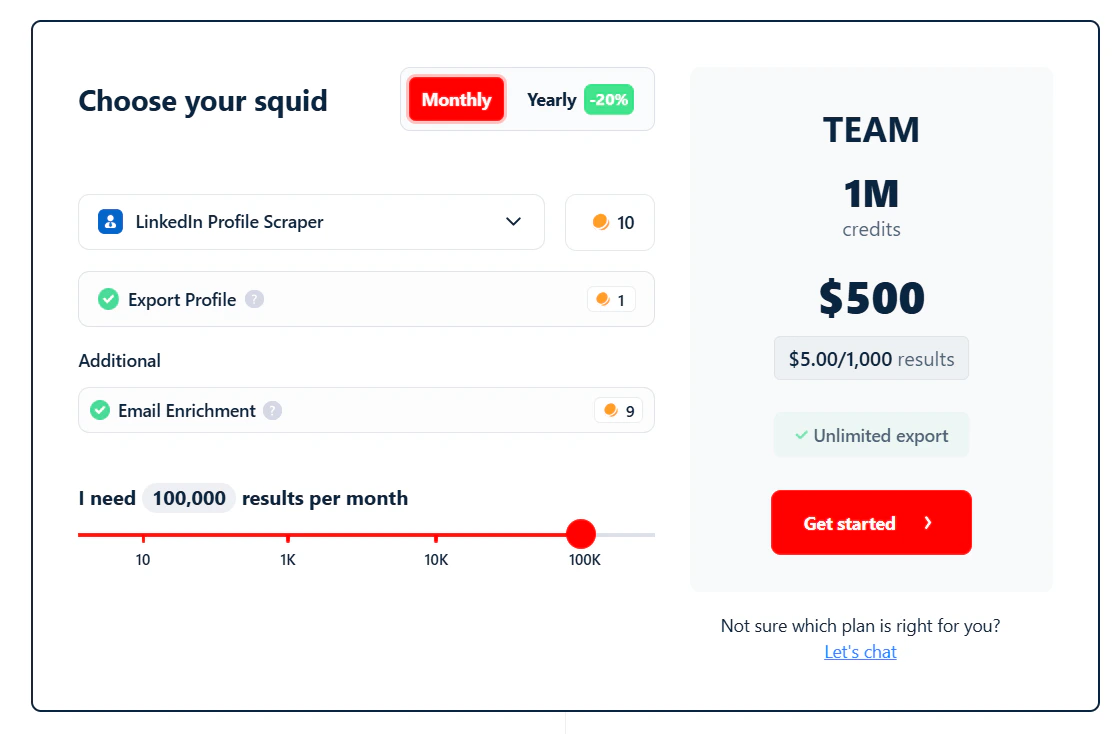
- 1,000 verified emails for $20 (Starter)
- 10,000 verified emails for $100 (Pro)
- 100,000 verified emails for $500 (Team)
- 200,000 verified emails for $1,000 (Business)
lobstr.io does not offer standalone email enrichment. You can’t upload an existing list of leads and get emails added — email discovery only runs on profiles lobstr.io has scraped on its own platform.
What happens if no email is found?
No email, no enrichment charge. The 9 enrichment credits are only consumed when an email is successfully found and validated. The 1 credit for scraping the profile is always charged — that’s part of every scraped row regardless of enrichment. Success rate depends on the company type:- 80%+ for large companies and startups
- 30–50% for SMEs
- 2–5% for freelancer profiles or independent companies
Can I get personal email addresses?
No. lobstr.io does not provide personal email addresses. These aren’t GDPR-compliant — sending marketing emails to personal addresses requires explicit consent.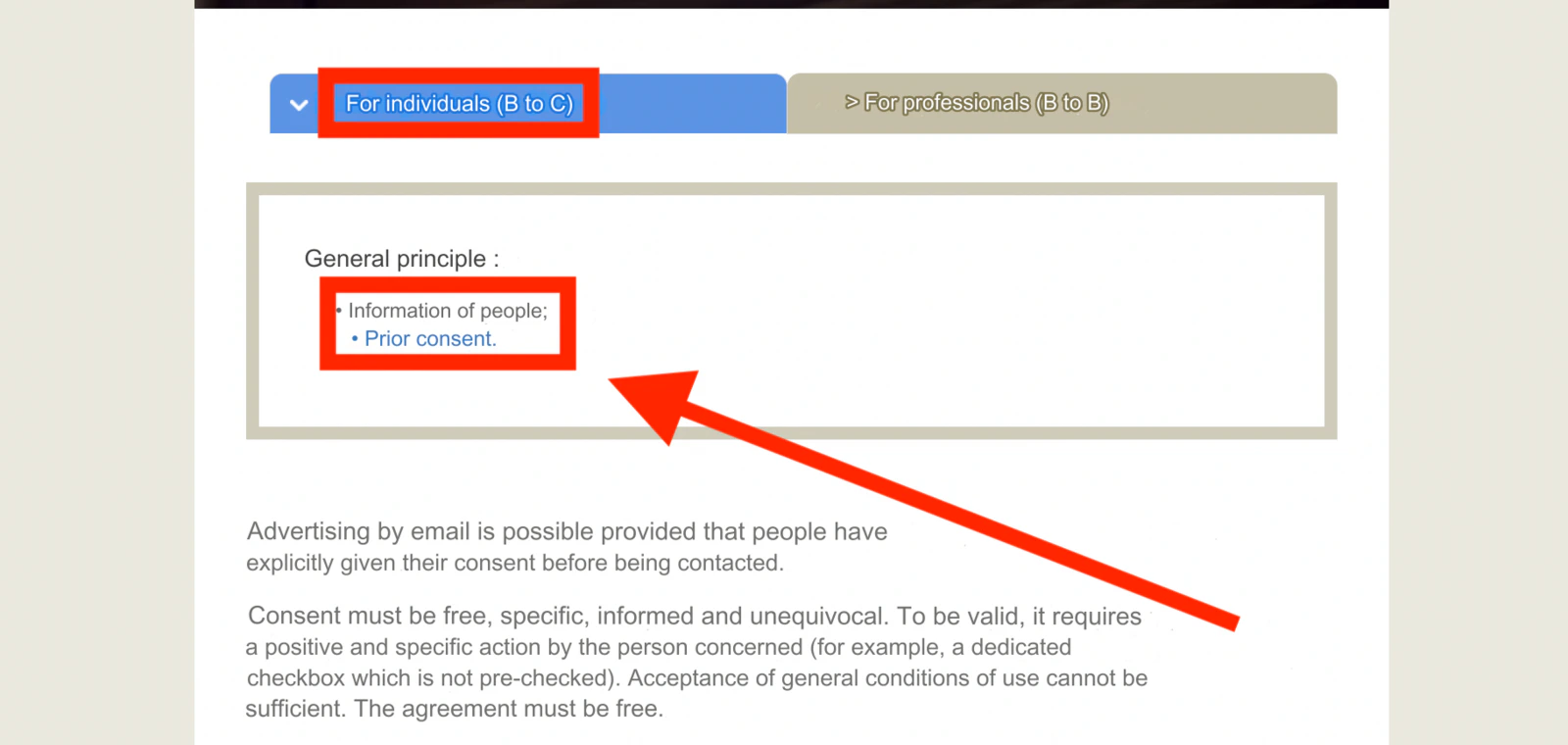
How to use it
Once you’ve created a Squid, go to Settings and switch the Email Enrichment toggle to on.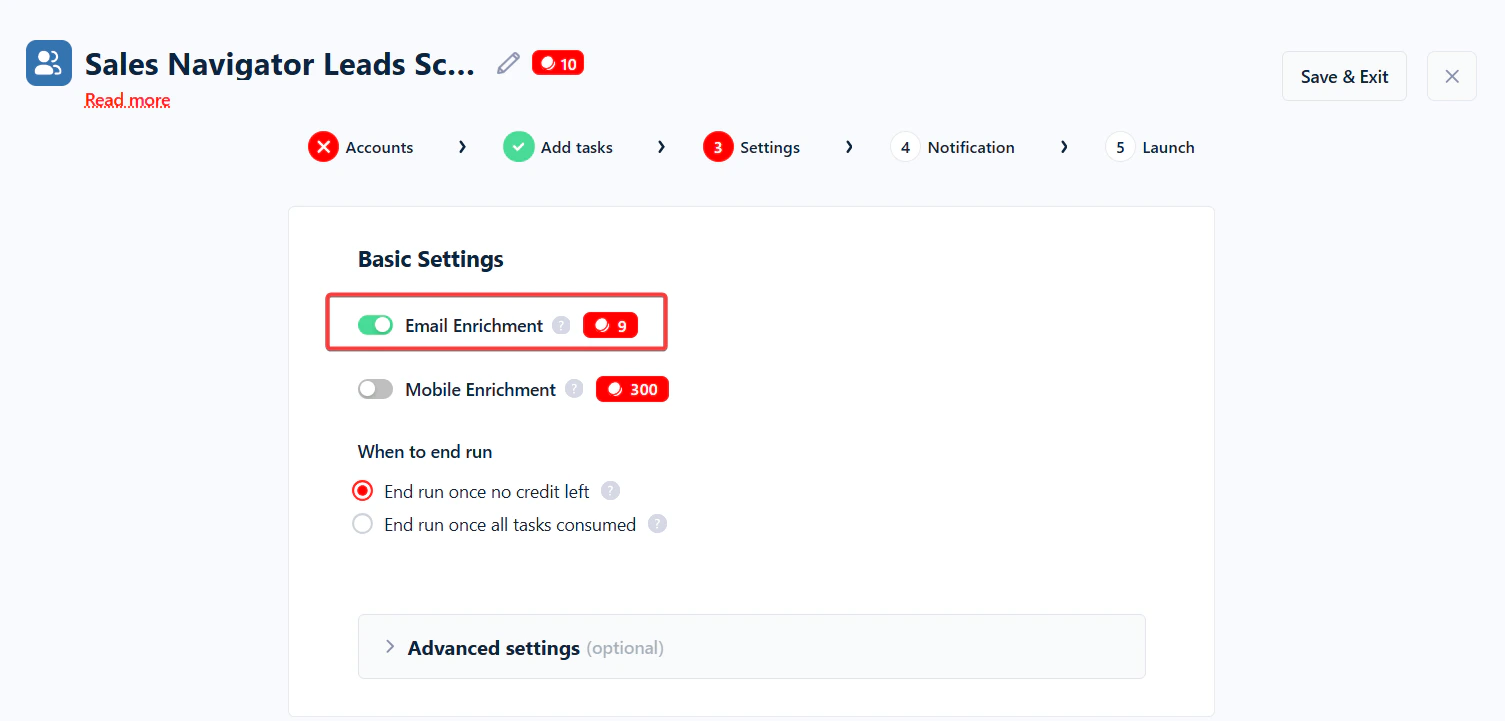
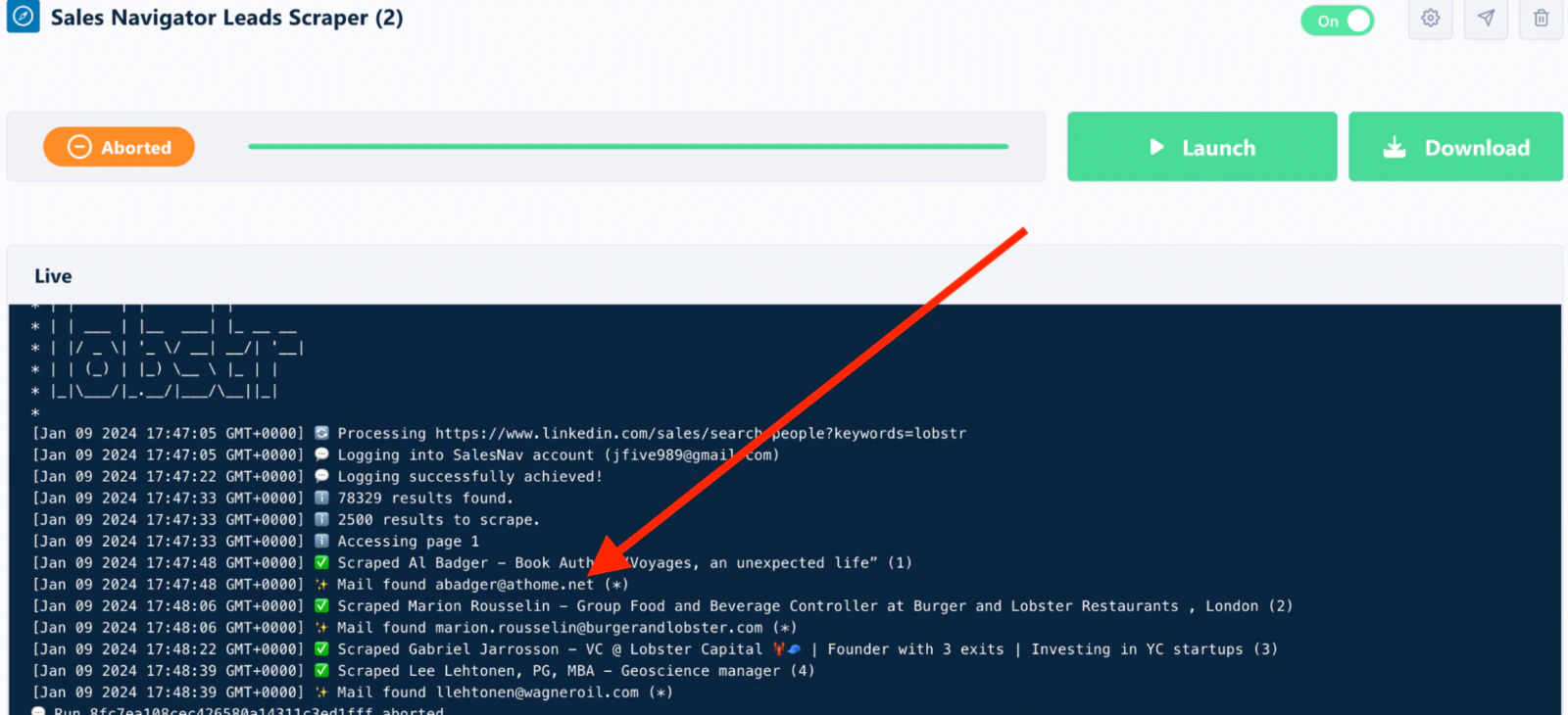
Email discovery on Sales Navigator is available through the Sales Navigator Leads Scraper.
How does it work?
Emails aren’t publicly visible on LinkedIn or Sales Navigator. lobstr.io reconstructs them in three steps:1
Collect random company addresses
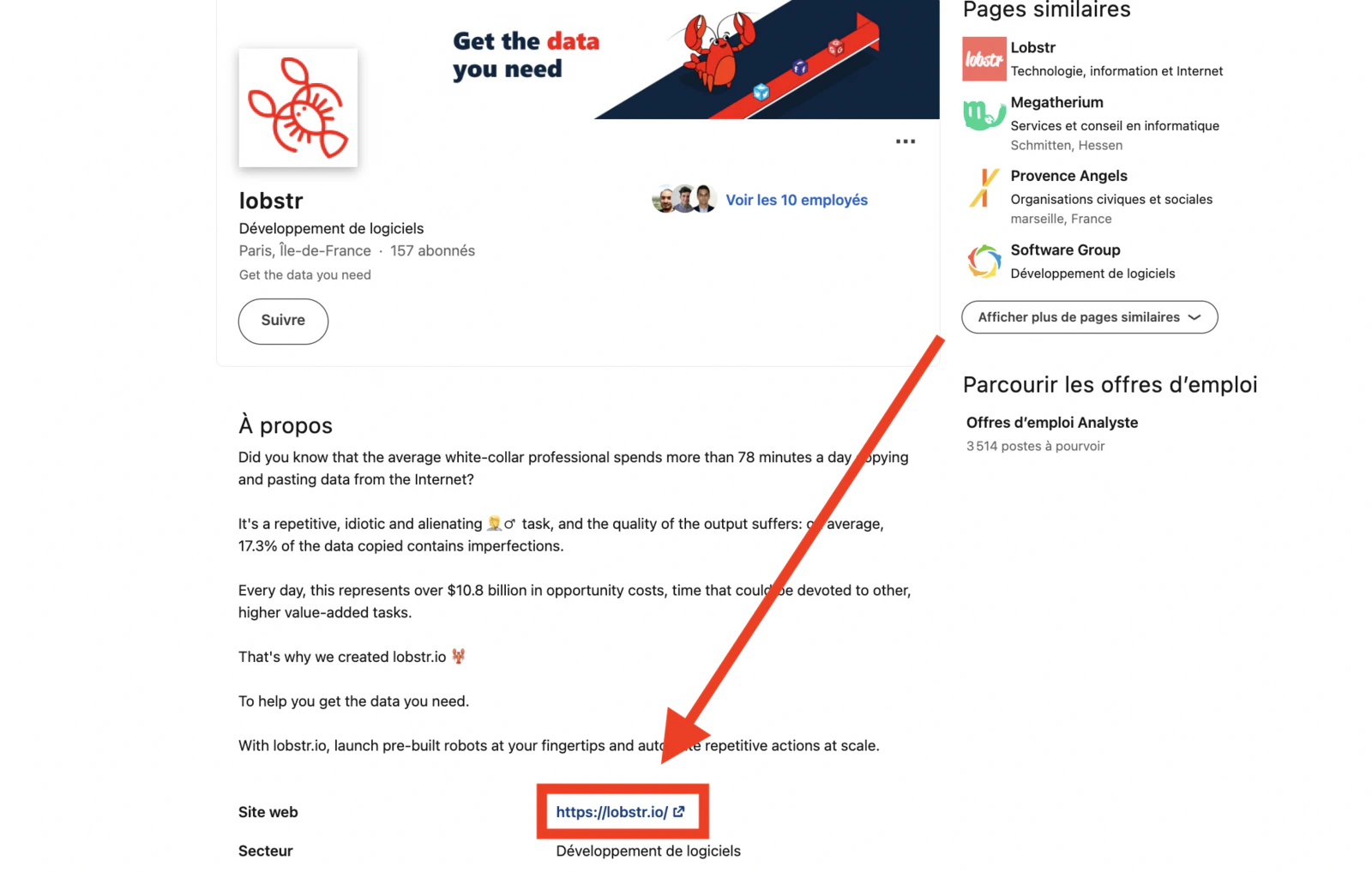
lobstr.io runs thousands of scrapers that browse web pages and collect any publicly available company emails. For example, on this page, the email of lobstr.io’s founder Sasha Bouloudnine is publicly listed: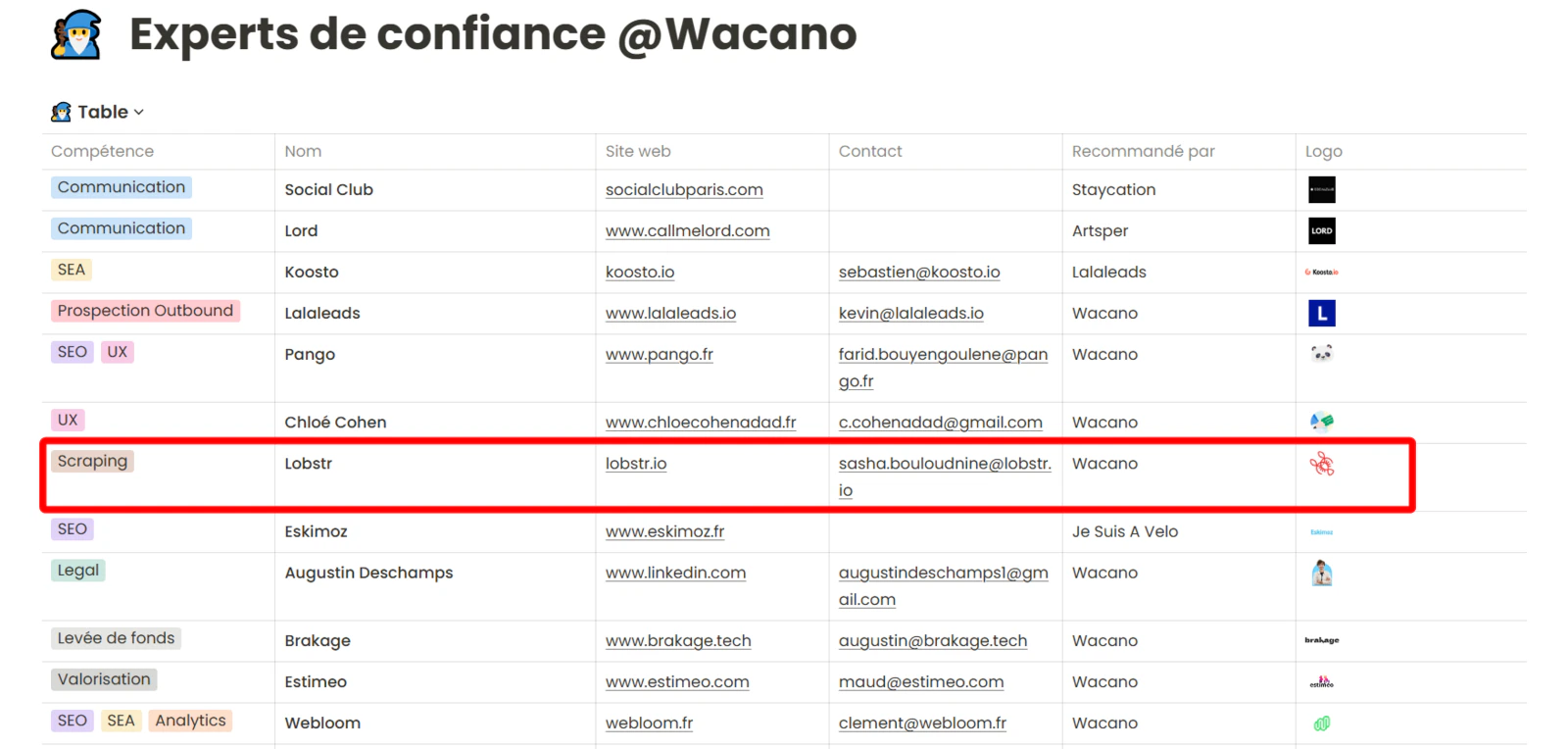
2
Identify the company email pattern
Using AI-based pattern matching, lobstr.io figures out the company’s email format. For the example above, the pattern is 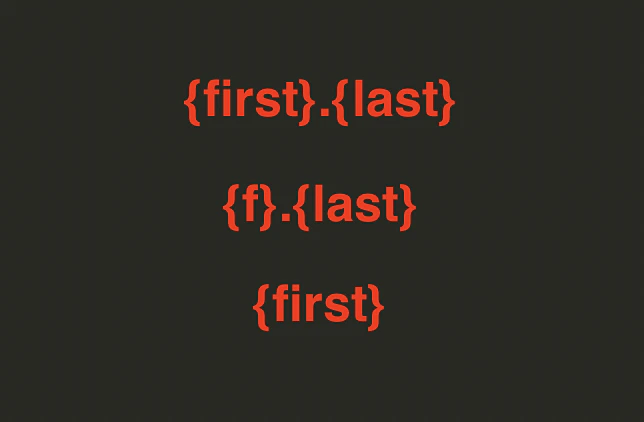
{first}.{last}@lobstr.io. Many patterns exist — the most popular ones:3
Reconstruct and verify
From LinkedIn or Sales Navigator, lobstr.io collects the person’s first and last name: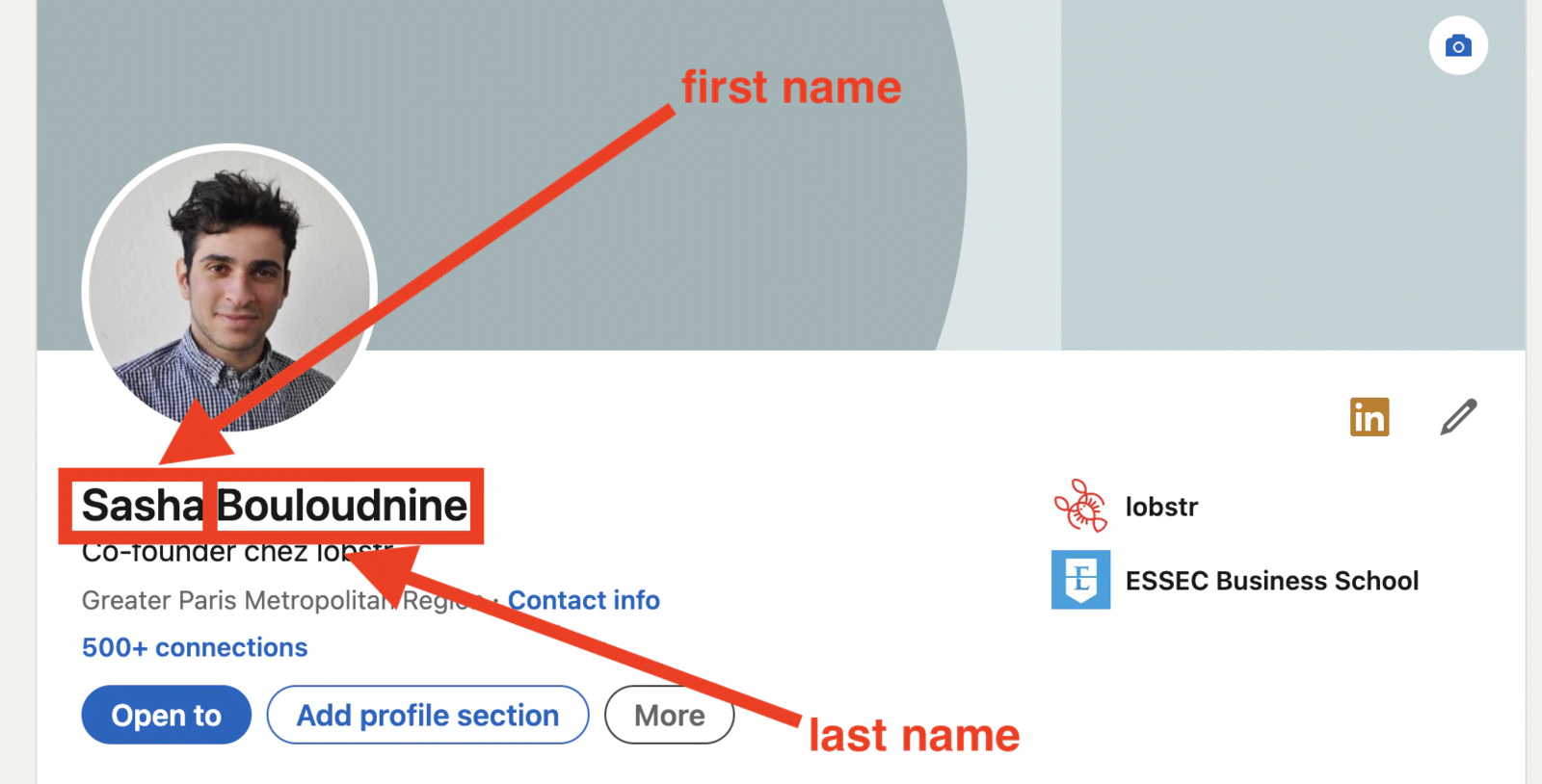
sasha.bouloudnine@lobstr.io) and sends a verification to confirm it’s deliverable.What does the email status mean?
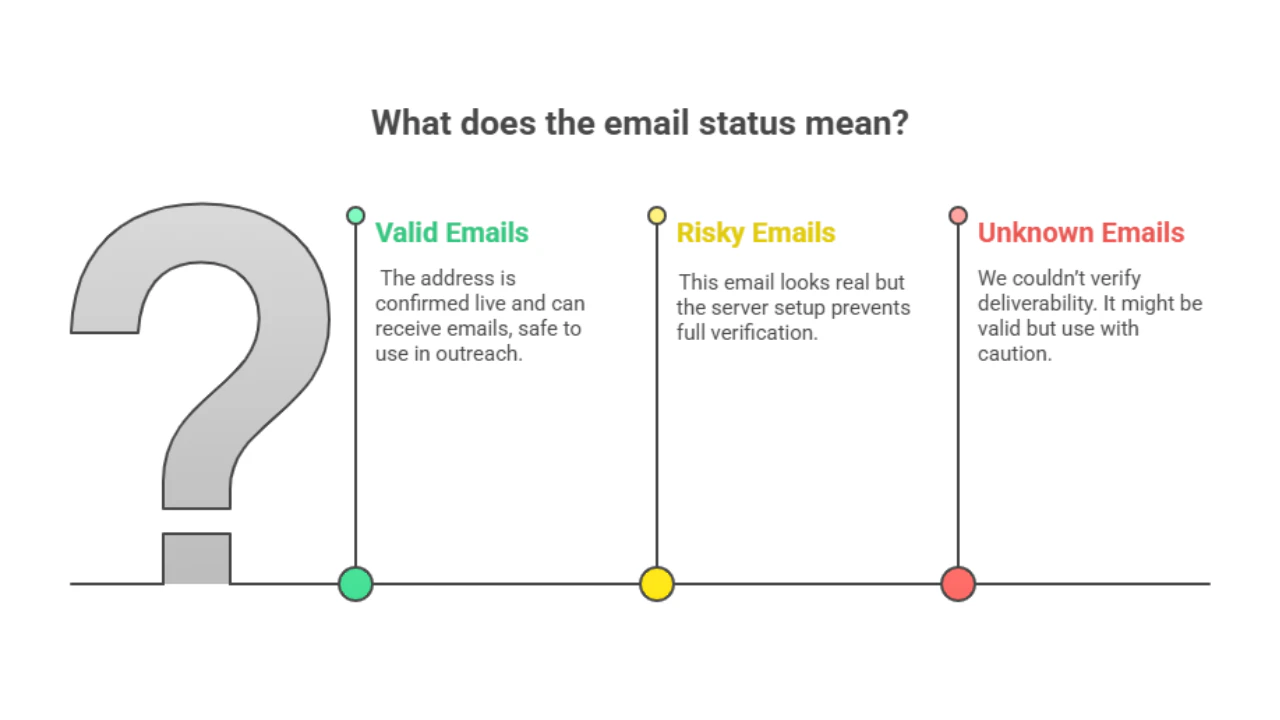
Every email in your dataset includes anemail status column.
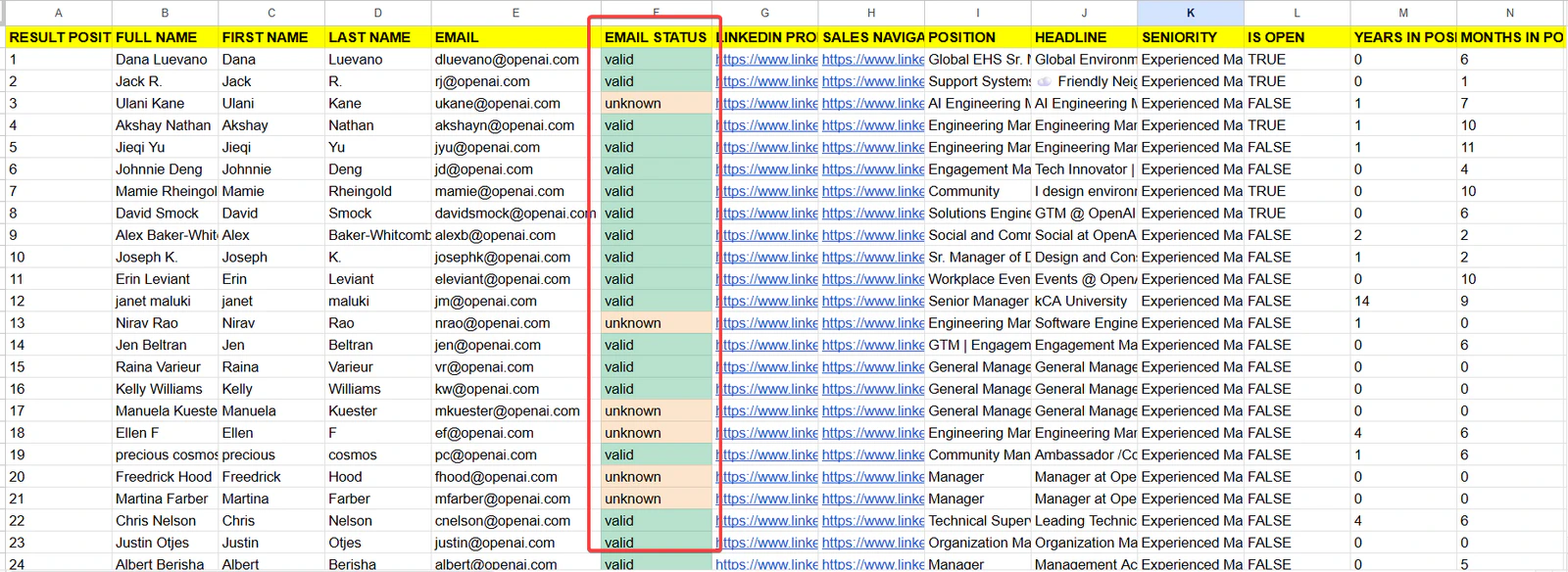
✅ Valid
The email works. Our discovery service confirmed the address is real and active, with a 97%+ deliverability guarantee — send with confidence.
⚠️ Risky
The email is valid, but we can’t be 100% sure it will receive. This happens with catch-all domains, role emails (like
info@), or servers that hide info.❓ Unknown
The mail server didn’t respond in time or blocked our check. We can’t confirm whether the address works.
Will already enriched contacts be enriched again?
No. If a contact has already been enriched inside your Squid, lobstr.io will not enrich it again — this saves you from burning credits on the same contact twice.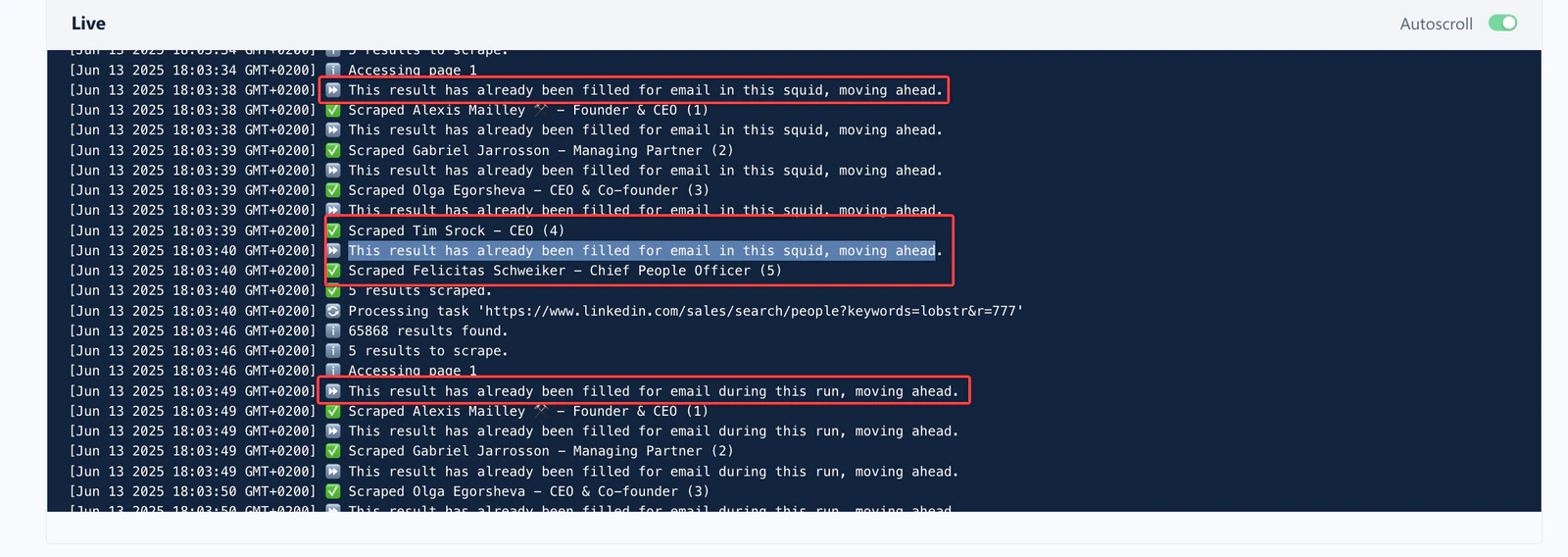
“Already enriched” means already enriched inside that specific Squid. To enrich the same contacts again, create a new Squid — a new Squid always scrapes fresh and enriches all profiles.If you previously scraped with email enrichment turned off, then turn it on, the scraper will go back and enrich the contacts it already scraped.
Does it work everywhere?
Yes. Email enrichment works for profiles from all countries worldwide.Related articles
- Phone Number Enrichment from Sales Navigator Leads — add verified phone numbers alongside emails
- Verified Business Email Collection from Google Maps — email enrichment for Google Maps scrapers
- How to Download Results — download your enriched dataset as CSV