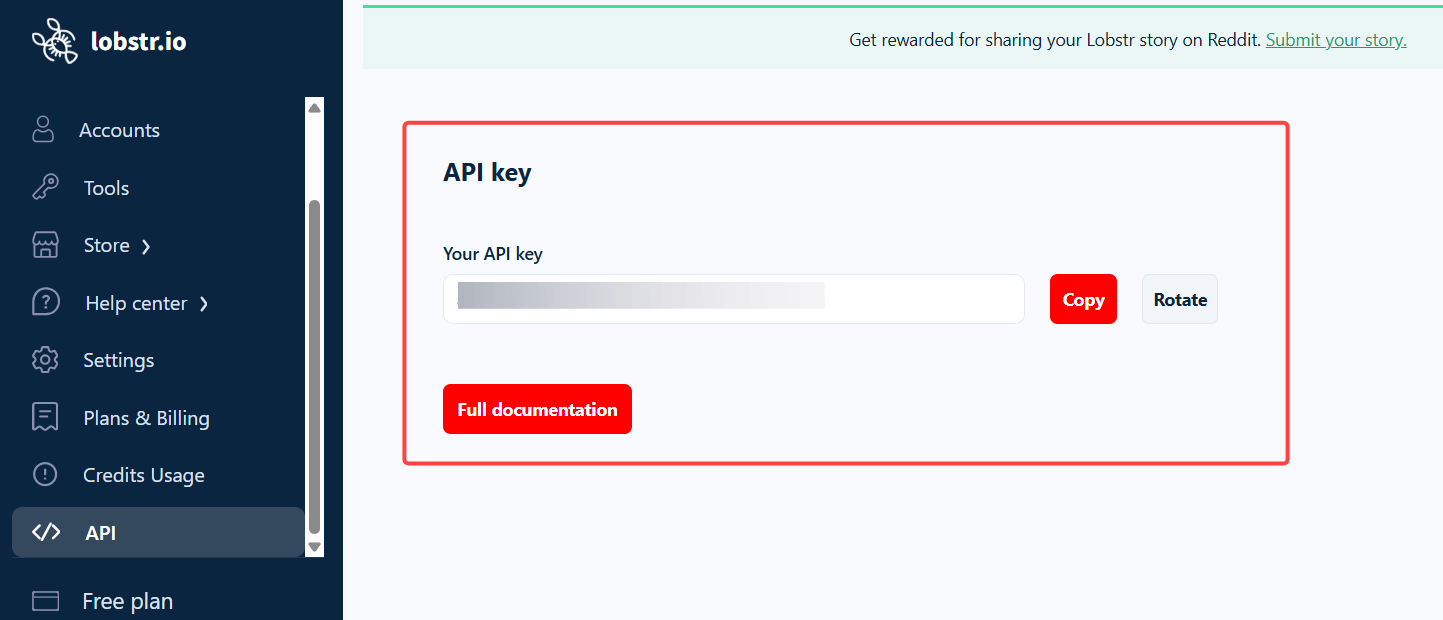
Your lobstr.io API key gives you programmatic access to your scraping jobs. You can use it to trigger Squids, check their status, and retrieve results via the lobstr.io REST API — without touching the dashboard.

Find your API key

1

Go to Settings

Log in to your lobstr.io dashboard and click Settings in the left sidebar.
2

Open the API key section

Scroll to the API key section on the Settings page.
3

Copy your key

Click the Copy button to copy your API key to the clipboard.

Use your API key

Pass your API key as a Bearer token in the Authorization header of every request to the lobstr.io API:
curl -H "Authorization: Bearer YOUR_API_KEY" https://api.lobstr.io/v1/...
Replace YOUR_API_KEY with the key you copied from Settings. For the full list of available endpoints, see the lobstr.io API documentation.
Treat your API key like a password. Do not share it publicly, commit it to version control, or include it in client-side code. If your key is compromised, generate a new one from Settings immediately.