
Add an area in a few clicks
1
Choose By area
In your Squid’s Tasks card, pick By area.
2
Add your categories
Type the kind of business you want (bar, gas station, dentist). Add several if you need: each one is searched over every area.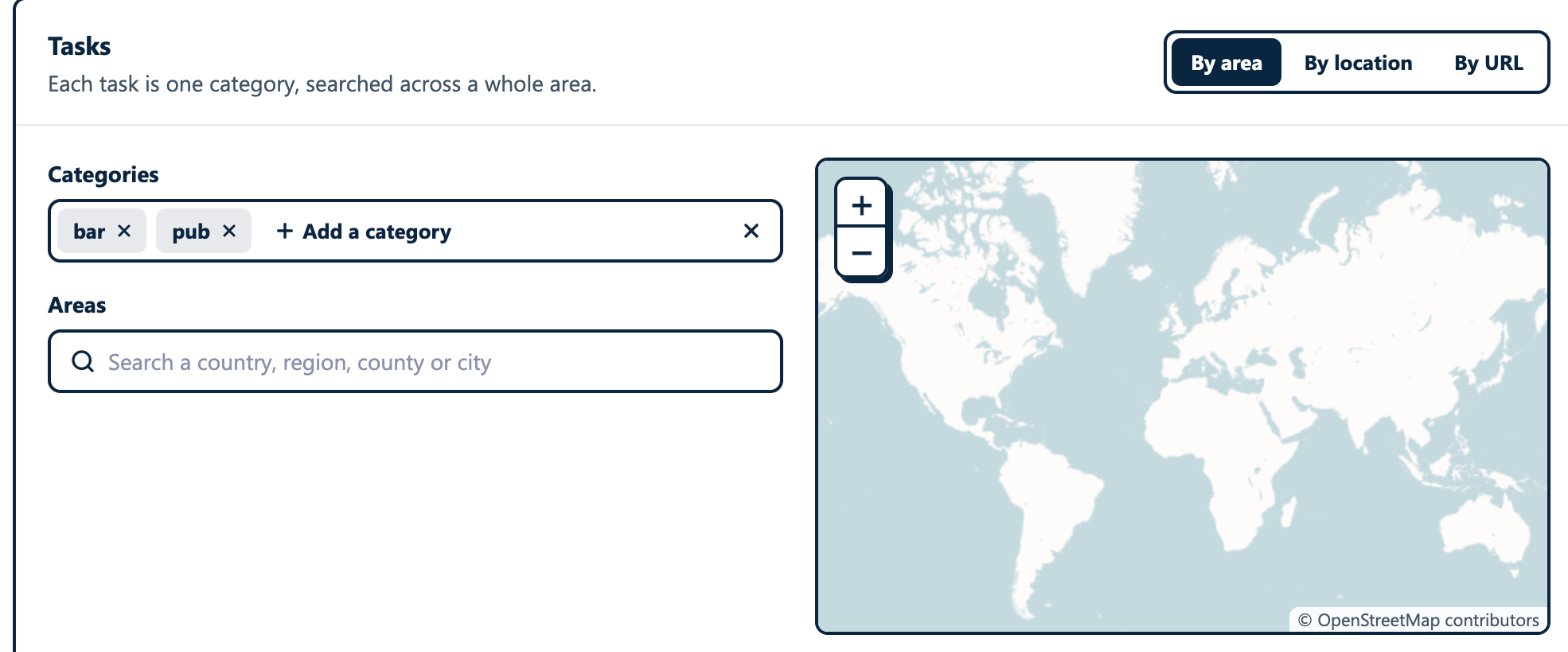
3
Search your areas
Type the name of a country, region, county or city. Each match shows its flag, where it is, and its level (Country, Region, County, City). Pick as many areas as you need.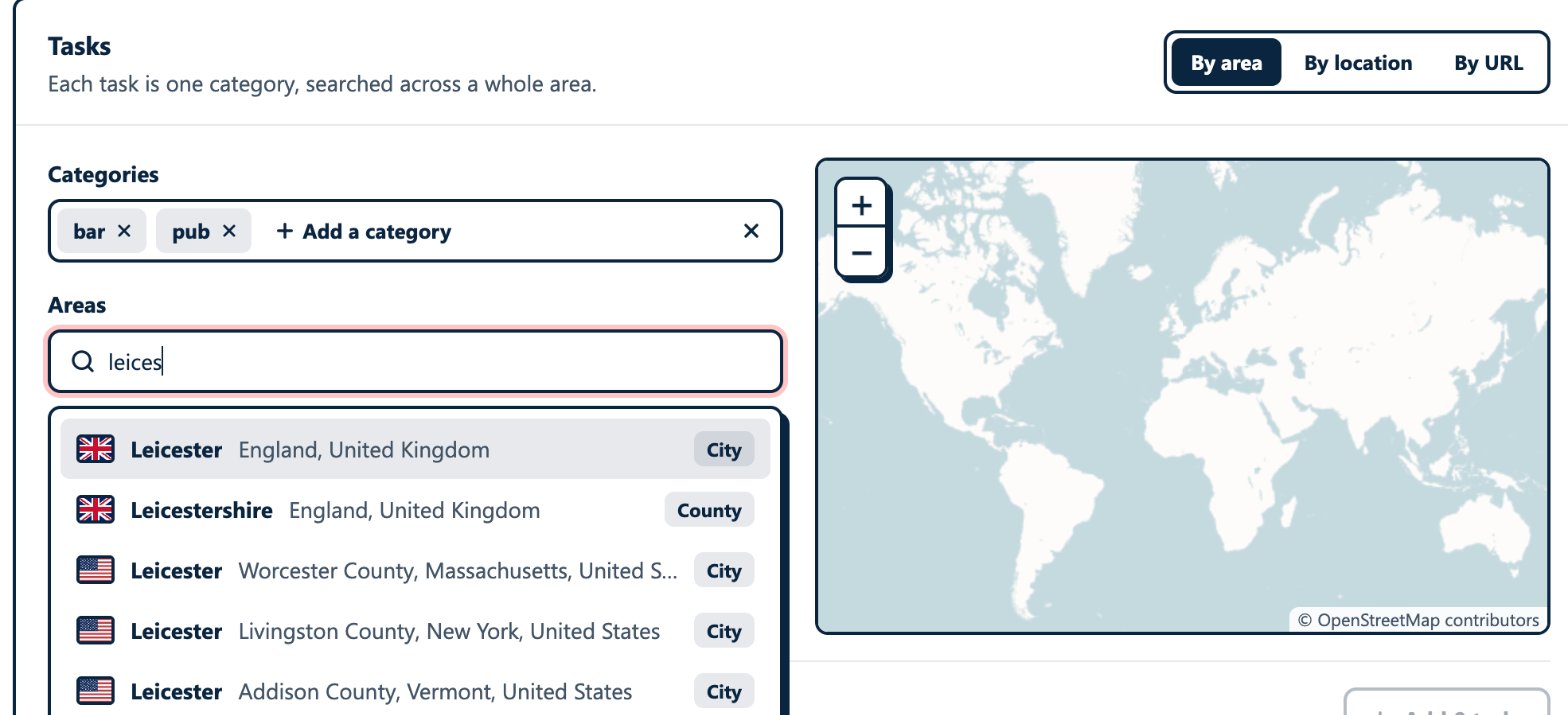
4
Check the map
The map shows the areas you picked, so you see exactly what will be covered.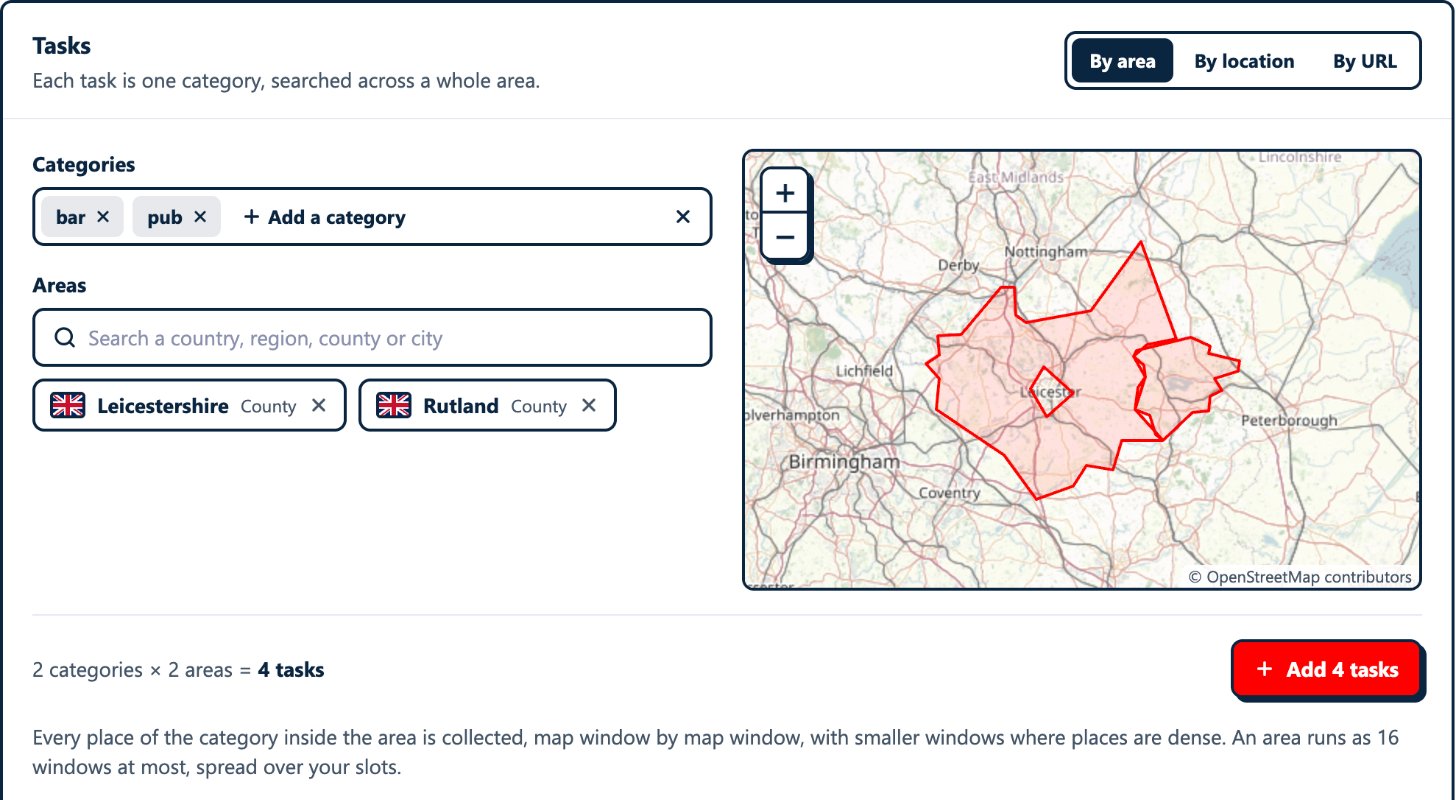
5
Add the tasks and launch
Add tasks adds one task per category and area (2 categories × 2 areas = 4 tasks), listed one line each. Launch the Squid as usual.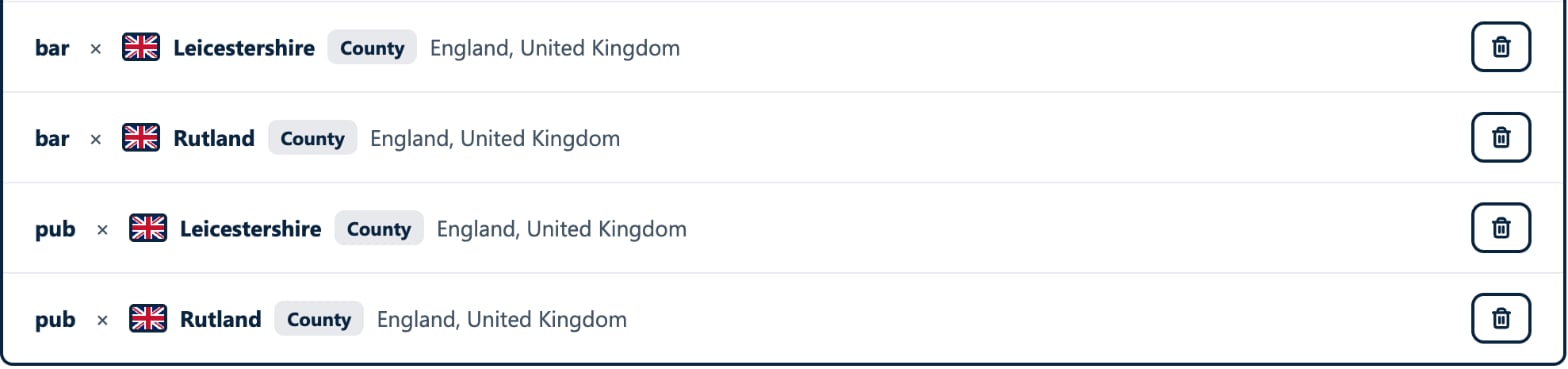
How the scraper covers an area
A Google Maps search returns a limited list (up to about 330 places), and in a dense city fewer places than there are. So the scraper does not search an area once: it splits it into map windows.- It starts from a few large windows that cover the area (16 at most), spread over your Squid’s slots so that they run in parallel.
- When a window holds 5 or more places of your category, it is split into 4 smaller windows, searched in turn. In the densest streets, windows go down to about 100 m wide.
- With Geo Match on (the default), places outside the area are skipped and not billed. Turned off, they are kept too, flagged
no_location_match. - A place found by two windows is collected once.
What you see in the run log
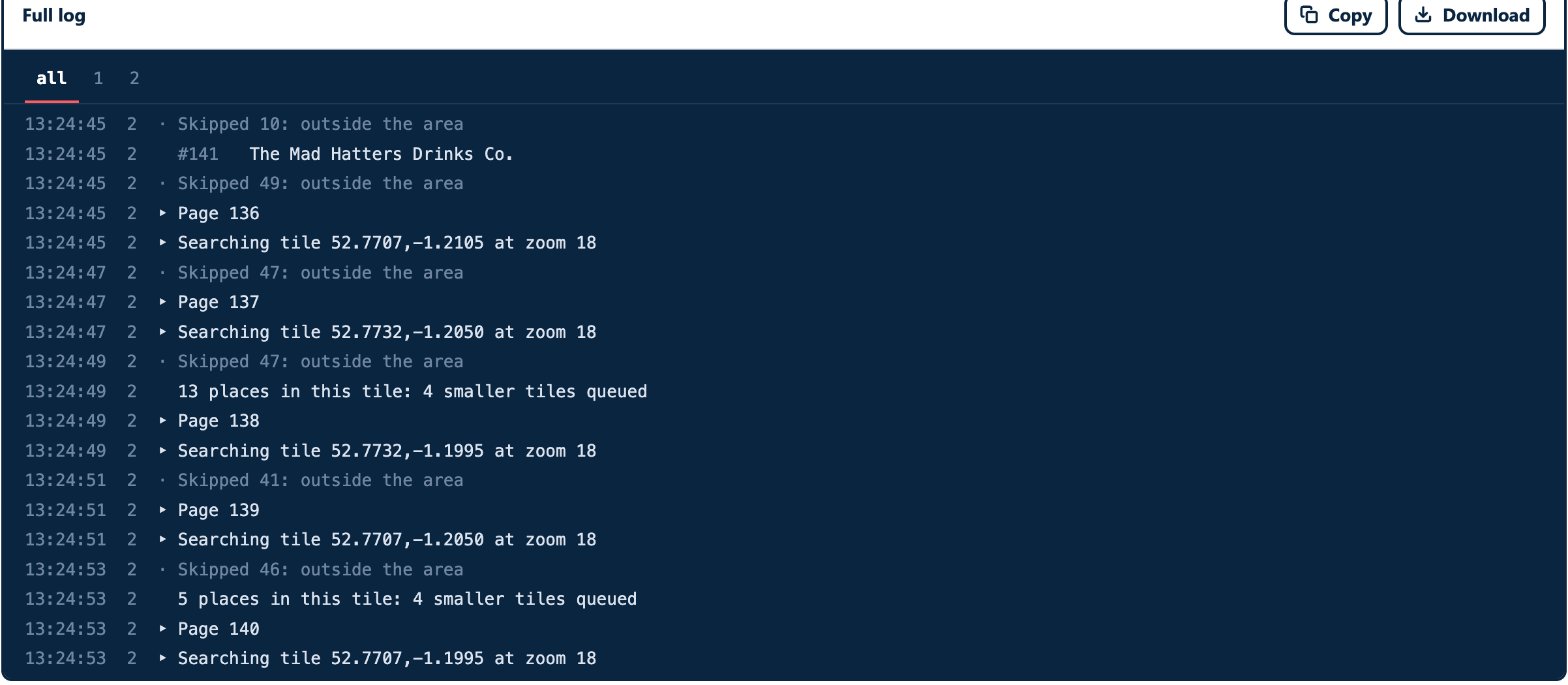
Searching Leicestershire tile by tile: a task starts on its area.Searching tile 52.7732,-1.2050 at zoom 18: one map window is searched. Each window is one page of the run.Skipped 47: outside the area: places beyond the area’s border, set aside and not billed.13 places in this tile: 4 smaller tiles queued: a dense window is split.#141 The Mad Hatters Drinks Co.: a place collected.