
What Unique Results does
Unique Results is a toggle in your Squid’s Settings, under Advanced Settings.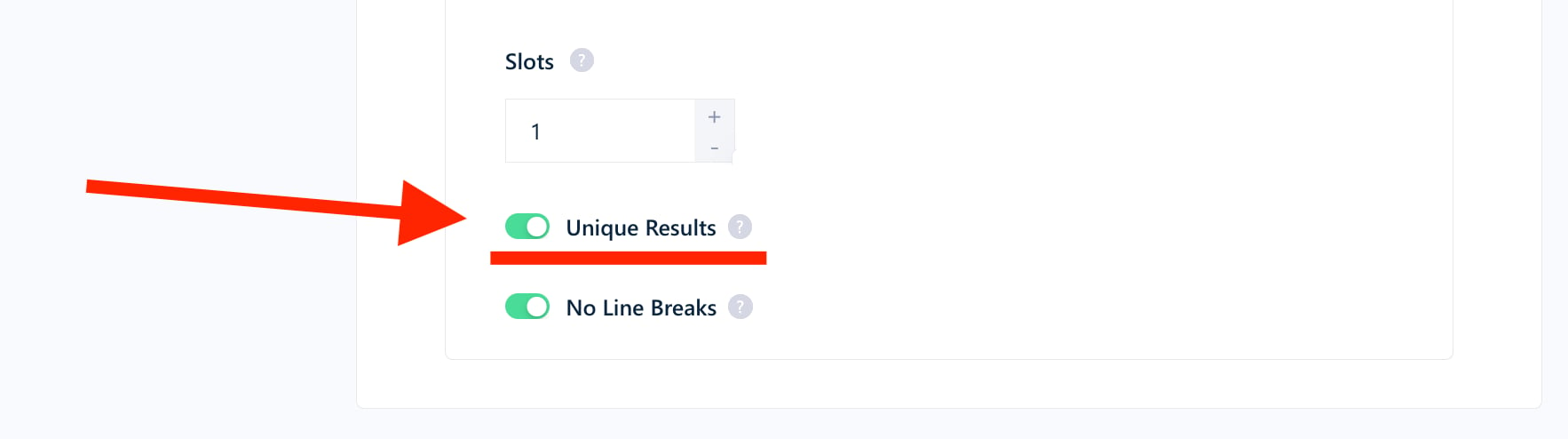
On or off, a result is billed once per run, even if several tasks of that run return it. The toggle only changes how many times it appears in the export.
What gets billed again
A result that comes back in a later run is a new row for that run, so its base cost is billed again. Most enrichment functions work differently: when this Squid has already run the function on a result, it skips that result on later runs and doesn’t bill it again. Why is it billed again? Even if a result is a duplicate for you, lobstr.io fetches it again from the website on every run, and that costs real resources: compute, proxies, storage and captcha solving.
Example: Facebook Marketplace Scraper with Get Listing Details on. A new listing costs 1 credit for the listing plus 4 credits for its details. A listing this Squid already collected and enriched costs 1 credit when it comes back: its details are not fetched or billed again.
Max Unique Results counts results from earlier runs
Max Unique Results caps the number of unique results in a run. A result collected by an earlier run still counts toward that cap.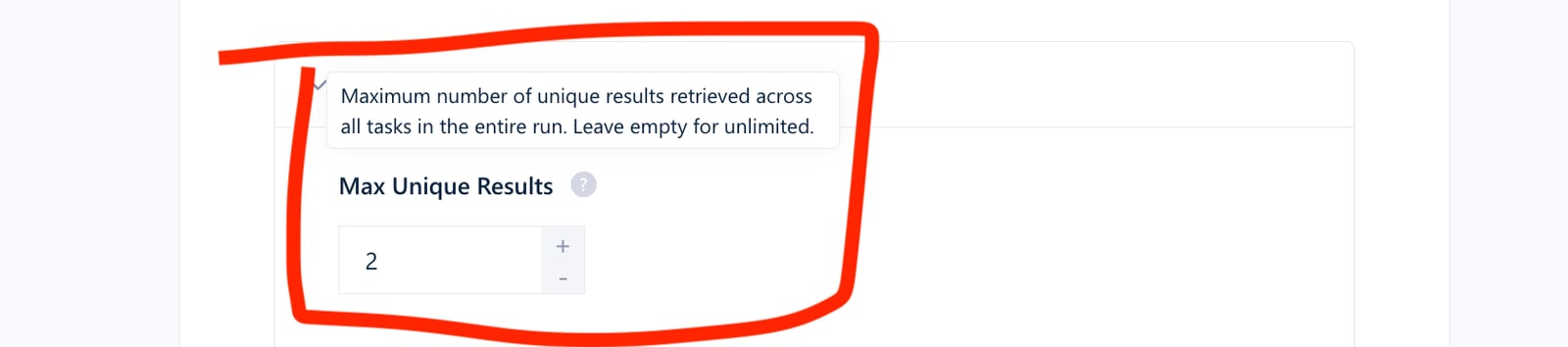
How to collect only new results
Use the Newer than setting
Many scrapers have a Newer than setting in their Squid settings. It stops the run once it reaches results older than the threshold you set.1
Open Squid Settings
Navigate to your Squid and click Settings.
2
Set Newer than
Choose Relative, then enter a duration that matches your schedule:
24 hours for a Squid that runs every day, 168 hours for a weekly one.3
Schedule the Squid
Under Launch, click Repeatedly and pick the same interval. See Scheduling.

Filter the search on the website
When a scraper has no Newer than setting, check whether the website’s search has its own date filter, such as “listed in the last 24 hours”. If it does, apply it on the website, copy the URL from your browser, and add it as a task in your Squid. Then schedule the Squid with the same interval.Use the scraper’s skip option
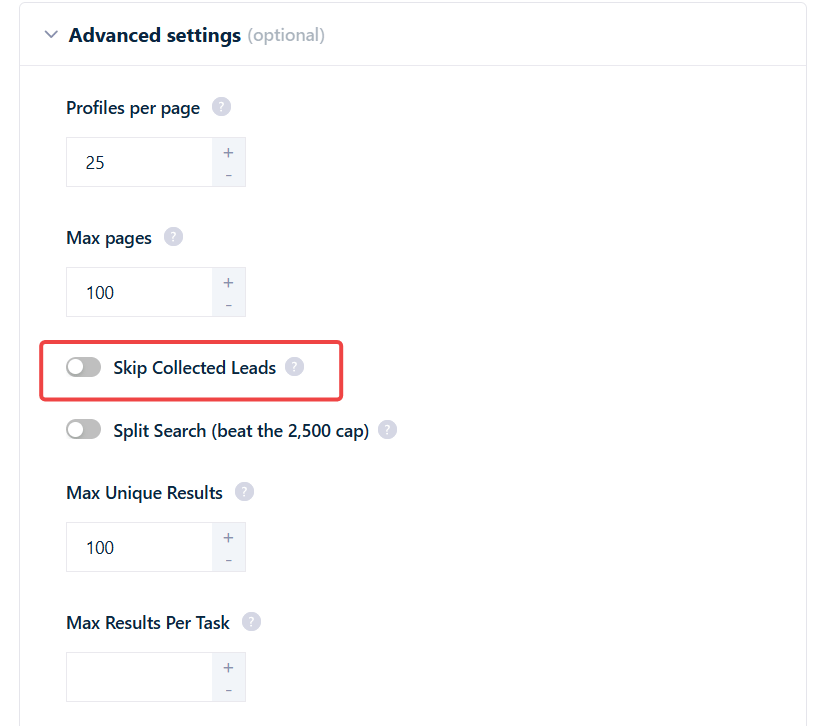
Two scrapers can skip everything the Squid has already collected, so each run returns only new results. Turn the option on in your Squid’s settings:- Sales Navigator Leads Scraper: Skip Collected Leads
- LinkedIn Leads Scraper: Only New Leads
Related
- Tasks: every run re-processes every task
- Scheduling: run a Squid automatically
- Credits: what credits buy and how to track them
- Resurrect a run: rows re-scraped by a resurrected run aren’t billed again