
What it does
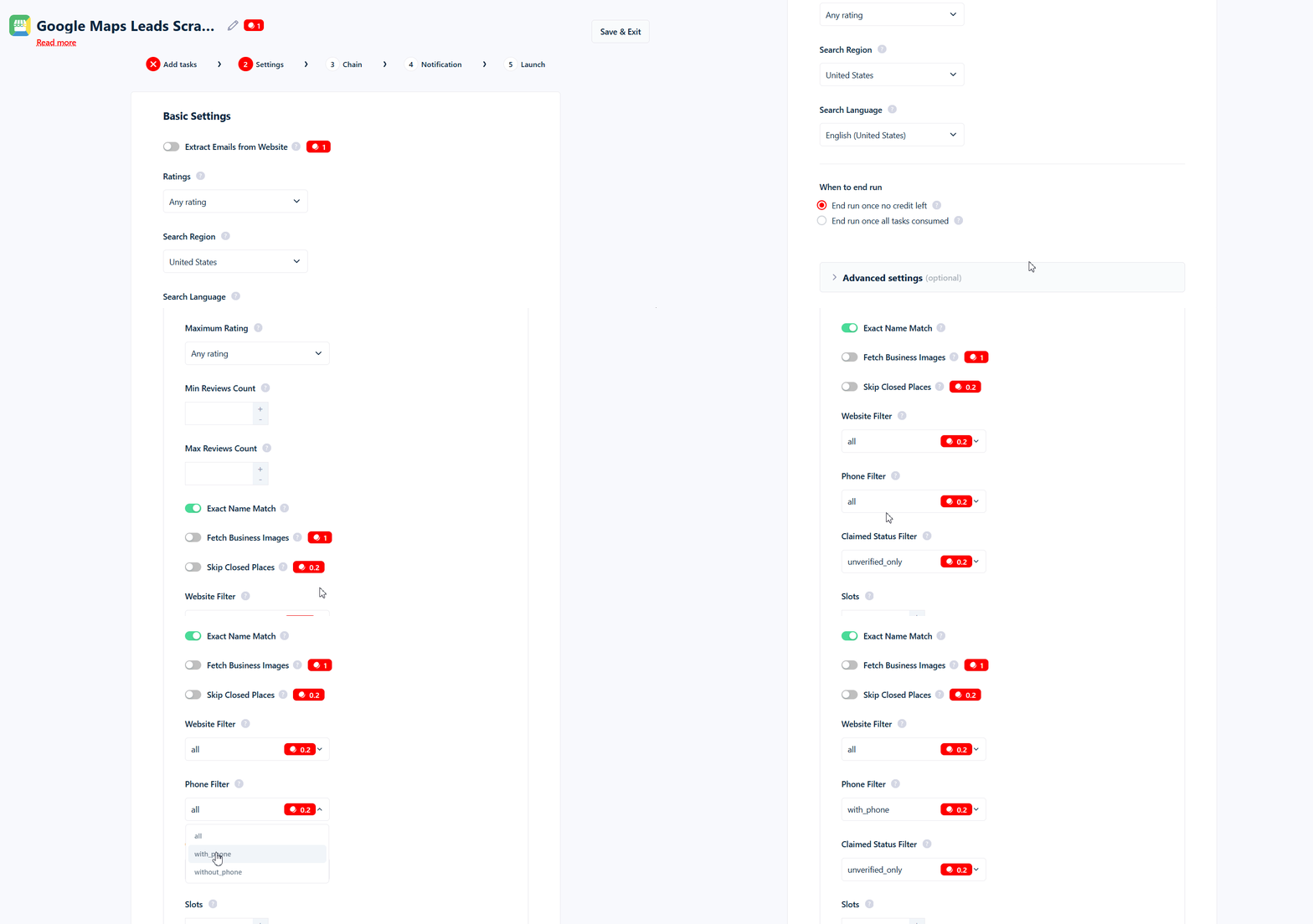
The Phone Filter is a dropdown with three values:Where to find it
The Phone Filter is in your Squid’s Advanced Settings. It defaults toall.
What it costs
Set towith_phone or without_phone, it adds 0.2 credits per kept row (on top of the base 1 credit per row). Left at all, it’s free. Rows it drops cost nothing.
Use cases
- Cold-calling and SMS campaigns →
with_phone. Only keep leads you can actually dial. - Auditing coverage →
without_phone. Find listings missing a contact number.
Common mistakes
- Some real businesses don’t list a phone number on Google Maps —
with_phonewill exclude them. - You pay per kept row. Set to
with_phoneorwithout_phone, it adds 0.2 credits to every business you keep.