
What it does
Only Leads with Emails keeps a business only if at least one email address was found for it, and drops the rest. “Found” means any email at all — it does not require the email to be valid or verified.This filter keys off any email that was found. The Verify emails toggle does not change which rows survive — a kept row can still turn out to be invalid when verified. Verification is a separate step.
Prerequisite: Extract Emails from Website
Only Leads with Emails depends entirely on email extraction. It requires Extract Emails from Website to be enabled (that option is on by default).Where to find it
Unlike the other data filters, Only Leads with Emails is not in Advanced Settings. It sits in the main settings block, right next to Extract Emails from Website. It is off by default.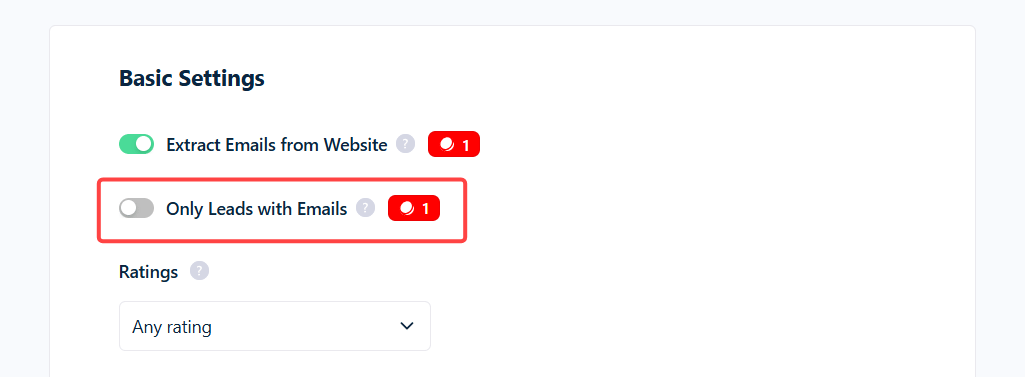
What it costs
While on, it adds 1 credit per kept row — on top of everything else. Because email work is billed separately, a surviving row can carry several charges:
So a kept row with one valid email costs 3 credits, or 5 with verification on. Rows dropped for having no email cost 0.
Use cases
- Ready-to-send outreach lists — no blank-email rows to clean out afterward.
- Deliverable-only lists — pair it with Verify emails to keep only rows that have an email that checks out as valid.
Why did I get zero (or very few) results?
- Extract Emails from Website is off — the filter has nothing to work with.
- Your targets mostly have no website — many restaurants, salons, and trades don’t, so no email can be found and most rows drop.
- Website Filter is set to
without_website— guaranteed empty: no website means no email to find. - Sites hide emails behind contact forms — nothing to extract, so those rows drop.