
What it does
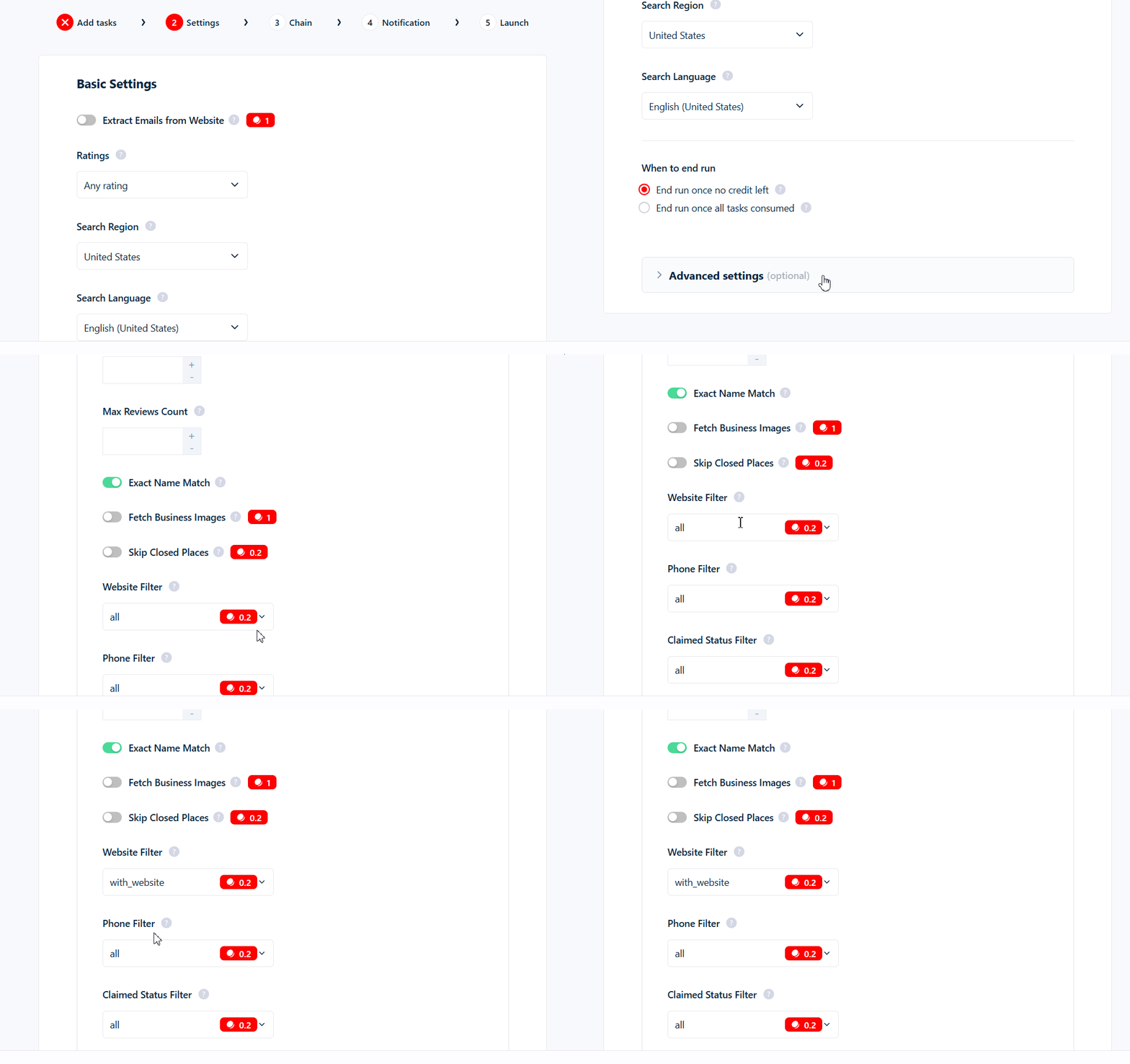
The Website Filter is a dropdown with three values:Where to find it
The Website Filter is in your Squid’s Advanced Settings. It defaults toall.
What it costs
Set towith_website or without_website, it adds 0.2 credits per kept row (on top of the base 1 credit per row). Left at all, it’s free. Rows it drops cost nothing.
Interaction with email extraction
Email extraction has no effect withwithout_website — these businesses have no website to scrape, so there’s nothing to pull an email from. Don’t combine the two: you’d still pay the 0.2 website surcharge while Extract Emails from Website does nothing.
Use cases
- Web-design, SEO, and hosting agencies →
without_website. Find local businesses with no online presence to pitch. - Email outreach →
with_website. Only businesses with a website can yield an email via Extract Emails from Website, so pairwith_websitewith email extraction for a higher hit rate.
Common mistakes
with_websiteonly filters what Google returns — it doesn’t discover extra listings, it just removes the ones without a website.- You pay per kept row. Set to
with_websiteorwithout_website, it adds 0.2 credits to every business you keep.